Team Olungu
The short answer
- 1Can Firefox for Android block websites? Not from its own settings, but it runs add-ons, and has supported general extensions since late 2023, so a blocking add-on does the job inside Firefox on your phone.
- 2Which add-on should I pick? LeechBlock NG is a strong free choice for blocking whole sites on a schedule. BlockDistraction blocks sites or paths with 10 free rules, and Olungu checks each page against your task so useful pages stay open.
- 3How do I install one? Open the add-on's listing in Firefox on your phone, tap Add to Firefox, review the permissions, tap Add, and decide whether it may run in private tabs.
- 4Will it stop the YouTube or Reddit app? No. A browser add-on only acts on pages opened in Firefox, so pair it with Android's Digital Wellbeing app timers or remove the apps.
How do I install a website blocker on Firefox for Android?
You install it like any Firefox add-on: open its listing on your phone, tap Add to Firefox and confirm. General extensions arrived with the Firefox 120 release cycle, and by December 2023 more than 450 were available. Labels below follow BlockDistraction's Android guide (November 2026).
- 1Update Firefox.
Each add-on lists a minimum Firefox for Android version (see the table below).
- 2Open the listing in Firefox on your phone.
Search addons.mozilla.org or open the add-on's link directly.
- 3Tap Add to Firefox.
Read the permissions. A blocker needs to see the sites you visit.
- 4Choose private browsing, then tap Add.
Tick Allow extension to run in private browsing, or a private tab becomes an easy way around it.
- 5Open its settings.
Go to Settings > Extensions and tap the add-on to set your sites, rules or task.
Olungu's phone version has its own listing, Olungu for Android, separate from the desktop one; it needs Firefox for Android 142 or later. Open olungu.com/get-olungu in Firefox on your phone and tap Get it for Firefox on Android.
Which website blocker add-ons work on Firefox for Android?
LeechBlock NG, BlockDistraction and Olungu all have listings that support Firefox for Android. The big difference is how they decide: a list of sites and times, or a check of each page.
| Tool | Price model | How it decides what to block | Firefox for Android | Best for |
|---|---|---|---|---|
| LeechBlock NG | Free, open source (MPL 2.0) | Sets of sites with times, time limits, keywords and exceptions | 109 or later; updated 27 Sep 2026 | Whole-site, scheduled blocking at no cost |
| BlockDistraction | Free for up to 10 rules; Pro by subscription or one-time lifetime license | Rules that match a domain or path; schedules and daily limits on Pro | 128 or later; updated 21 Nov 2026 | Blocking a short list of sites or paths |
| Olungu | Free plan ($0, no card); paid plans | Checks each page, video or thread against the task you set | 142 or later | Keeping useful pages open while stopping feeds |
A note on the name "BlockSite": the BlockSite add-on on addons.mozilla.org, last updated April 2024, lists desktop Firefox only, so it won't install on your phone. For more on these tools, see our LeechBlock alternatives and browser focus extensions compared.
How do I set up LeechBlock NG on Android?
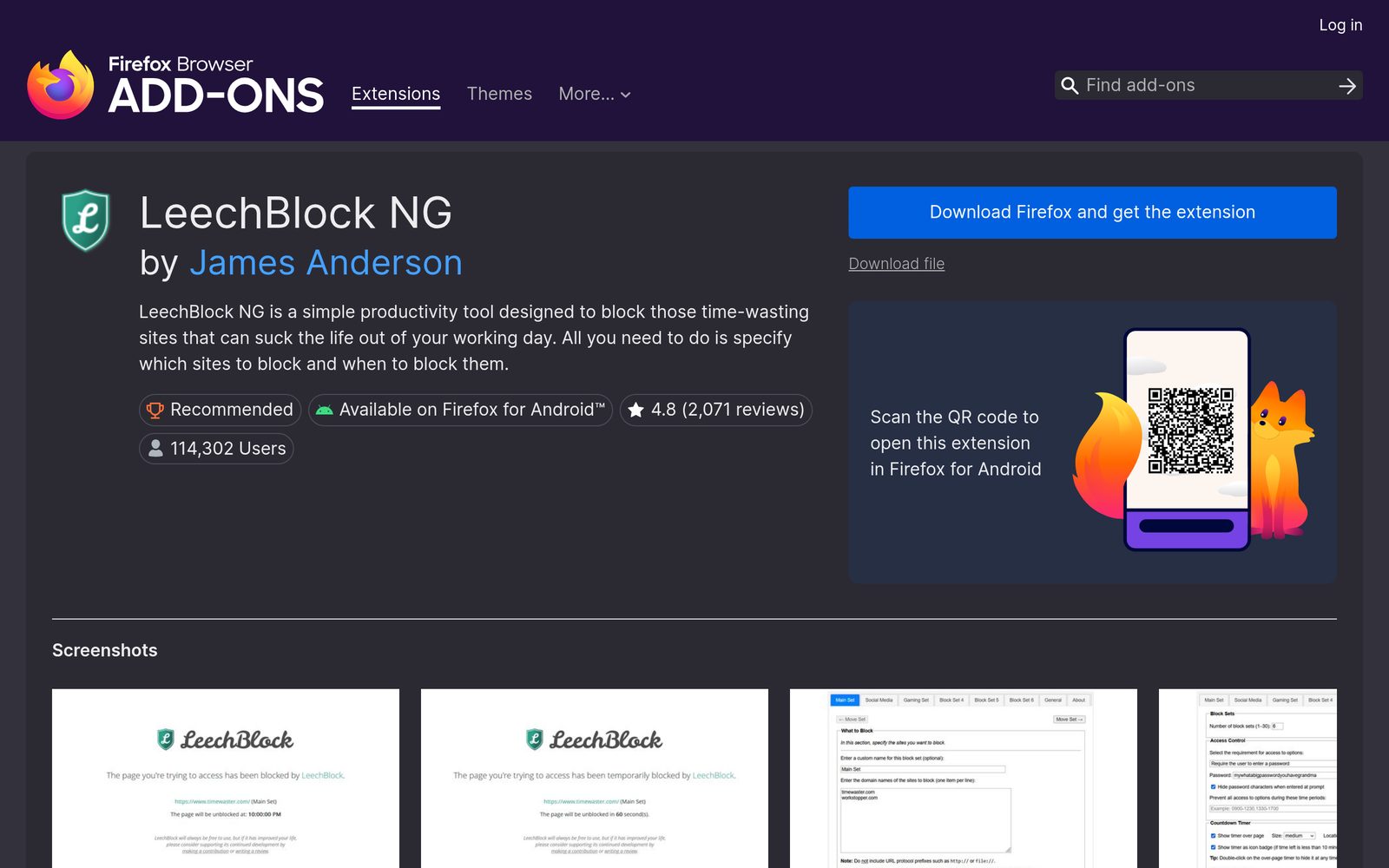
You set up LeechBlock NG by creating a block set: a list of sites plus the times you want them blocked. Its listing carries Mozilla's Recommended badge for Firefox and Android, and it is free.
- 1Install it
from its listing, using the steps above.
- 2Open its options
from Firefox's Extensions settings.
- 3Add sites to a block set.
Wildcards such as
*.somesite.comcover a range, and+marks an exception. You can have up to 30 sets. - 4Pick when to block:
fixed periods (9am to 5pm), a time limit (10 minutes in every hour), or both.
- 5Add friction if you need it.
Lockdown blocks sites right away for a set time, a delay shows a countdown instead, and a password can guard the options.
It is a good choice if you want whole sites gone during set hours; its homepage has more detail.
Why does blocking all of YouTube or Reddit backfire on a phone?
Blocking a whole site backfires because, on a phone, one site holds both what you need and what eats the evening. YouTube has the tutorial and the Shorts, and Reddit has the how-to thread and the endless feed.
Take Olungu's own example. With the task "Learning Rust", a Rust tutorial on YouTube and an r/rust thread stay open, while a YouTube Short and r/memes are stopped. A site list blocks all four or none.
Olungu works this way on Firefox for Android 142 and later. It reads each page's address, title and a little context and asks whether it helps with your task. Whole sites are blocked only if you add them as rules yourself.
It can also hide endless feeds, YouTube Shorts, comments and sidebars on YouTube, Reddit, X, Instagram, TikTok, LinkedIn and Facebook. That is free on every plan, uses no AI checks, and is one checkbox each in Feeds & sidebars; nothing is hidden until you tick it. On desktop, see how to block YouTube Shorts and keep tutorials.
Does a Firefox add-on block the YouTube or Reddit app?
No. A browser add-on only acts on pages you open in Firefox, so the YouTube or Reddit app, or another browser on your phone, is untouched.
Two simple fixes: uninstall the app and use the site in Firefox, where your blocker applies, or use Android's Digital Wellbeing.
Per Google's help page, open Settings > Digital Wellbeing > App timers, tap Set timer next to an app and choose a time. When time runs out, the app closes and its icon dims; timers reset at midnight. Focus mode in the same menu pauses chosen apps and their notifications, on demand or on a schedule.
How should I set up a page-aware blocker on my phone?
Start with one clear task, such as "Revising biology for Thursday's exam: videos and articles about cell biology." With that task, a cell biology lecture and a revision article stay open, while a YouTube Short or a Reddit front page gets stopped.
If unsure, choose pause (a short breathing pause) or grayscale before a hard block. If a useful page gets stopped, dispute it; it reopens right away if the review agrees.
The Free plan costs $0 and needs no card. Per Olungu's plan details, guests get 10 AI checks, while signed-in users get 50 a day for the first 7 days, then 20 a day, so sign in if you plan to use it all day. For your computer, see our Chrome guide.
FAQ
Can Firefox for Android block websites without an add-on?
Not from its own settings. Install a blocking add-on, or use Digital Wellbeing to limit Firefox as a whole app.
Does LeechBlock NG work on Firefox for Android?
Yes. Its addons.mozilla.org listing supports Firefox for Android 109 or later and carries the Recommended badge, as of November 2026.
Does a website blocker work in private tabs on Firefox Android?
Only if you allow it. Tick "Allow extension to run in private browsing" when you install it.
Is there a free website blocker for Firefox mobile?
Yes. LeechBlock NG is free and open source, and BlockDistraction has a free tier with 10 rules, as of November 2026.
Can I block Reddit on Firefox Android but keep useful threads?
Not with a site list, which blocks Reddit whole. A page-aware blocker checks each thread against your task, so a how-to thread stays open while the front page is stopped.
Sources
- A new world of open extensions on Firefox for Android has arrived (Mozilla Add-ons Blog) - https://blog.mozilla.org/addons/2023/12/14/a-new-world-of-open-extensions-on-firefox-for-android-has-arrived/
- Is your extension ready for Firefox for Android? (Mozilla Add-ons Blog) - https://blog.mozilla.org/addons/2023/11/01/is-your-extension-ready-for-firefox-for-android/
- LeechBlock NG on Firefox Add-ons - https://addons.mozilla.org/en-US/firefox/addon/leechblock-ng/
- LeechBlock NG homepage - https://www.proginosko.com/leechblock/
- BlockDistraction on Firefox Add-ons - https://addons.mozilla.org/en-US/firefox/addon/blockersite/
- How to Block Websites on Firefox for Android (BlockDistraction) - https://blockdistraction.com/blog/how-to-block-websites-on-firefox-android.html
- BlockSite on Firefox Add-ons - https://addons.mozilla.org/en-US/firefox/addon/blocksite/
- Olungu for Android on Firefox Add-ons - https://addons.mozilla.org/en-US/firefox/addon/olungu-for-android/
- Set up Olungu - https://olungu.com/get-olungu
- Olungu llms.txt (plans and AI checks) - https://olungu.com/llms.txt
- Manage how you spend time on your Android phone with Digital Wellbeing (Android Help) - https://support.google.com/android/answer/9346420