COMPARISON
Olungu vs traditional website blockers
Traditional blockers are great for strict lock mode. Olungu is built for people who still need the web for work and want less distracting drift.
Task-aware decisions
OLUNGU
Combines distraction profile and task context
TRADITIONAL BLOCKERS
Usually static blocklists, schedules, or timers
Useful work pages
OLUNGU
Aims to keep relevant pages available
TRADITIONAL BLOCKERS
Often over-blocks when rules are broad
Best use case
OLUNGU
Browser-heavy work with docs, research, and AI tools
TRADITIONAL BLOCKERS
Strict lockout sessions with fixed rules
Control model
OLUNGU
AI assistance plus deterministic domain rules
TRADITIONAL BLOCKERS
Mostly manual rule tuning
Recovery from false blocks
OLUNGU
Quick dispute and unblock flow
TRADITIONAL BLOCKERS
Depends on tool, often manual list changes
Competitor context
BlockSite: solid for fixed blocklists and routines. Olungu is stronger when users need context-based flexibility.
StayFocusd: strong for strict limits and hard constraints. Olungu is stronger for adaptive task-based filtering.
Freedom: strong for scheduled focus sessions. Olungu is stronger for real-time in-browser tab-drift control.
When to choose Olungu
- You need docs, AI tools, and references open while working.
- You get distracted by random browsing drift, not just social media apps.
- You want focused browsing without full internet lockdown.
Demo assets
Before and after workflow visual
Pending: add split-screen image (random tab drift vs focused task-aware flow).
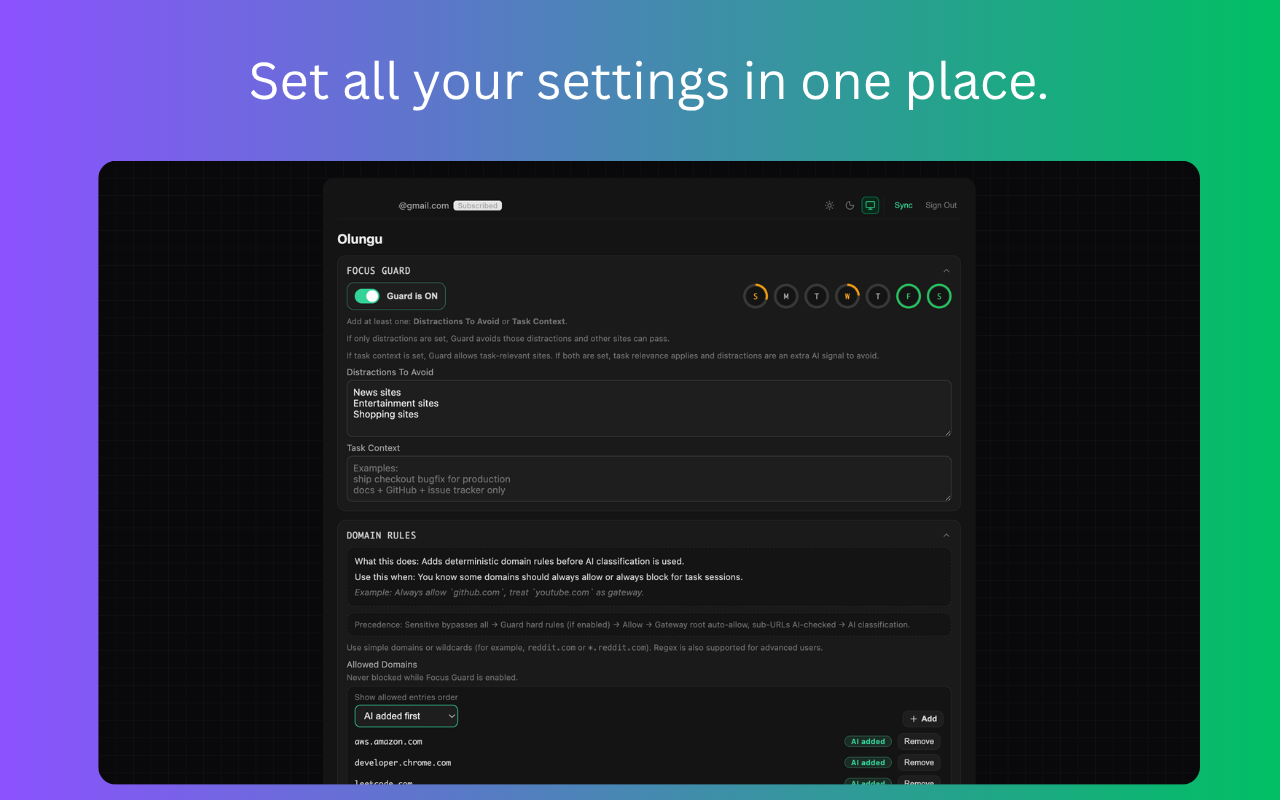
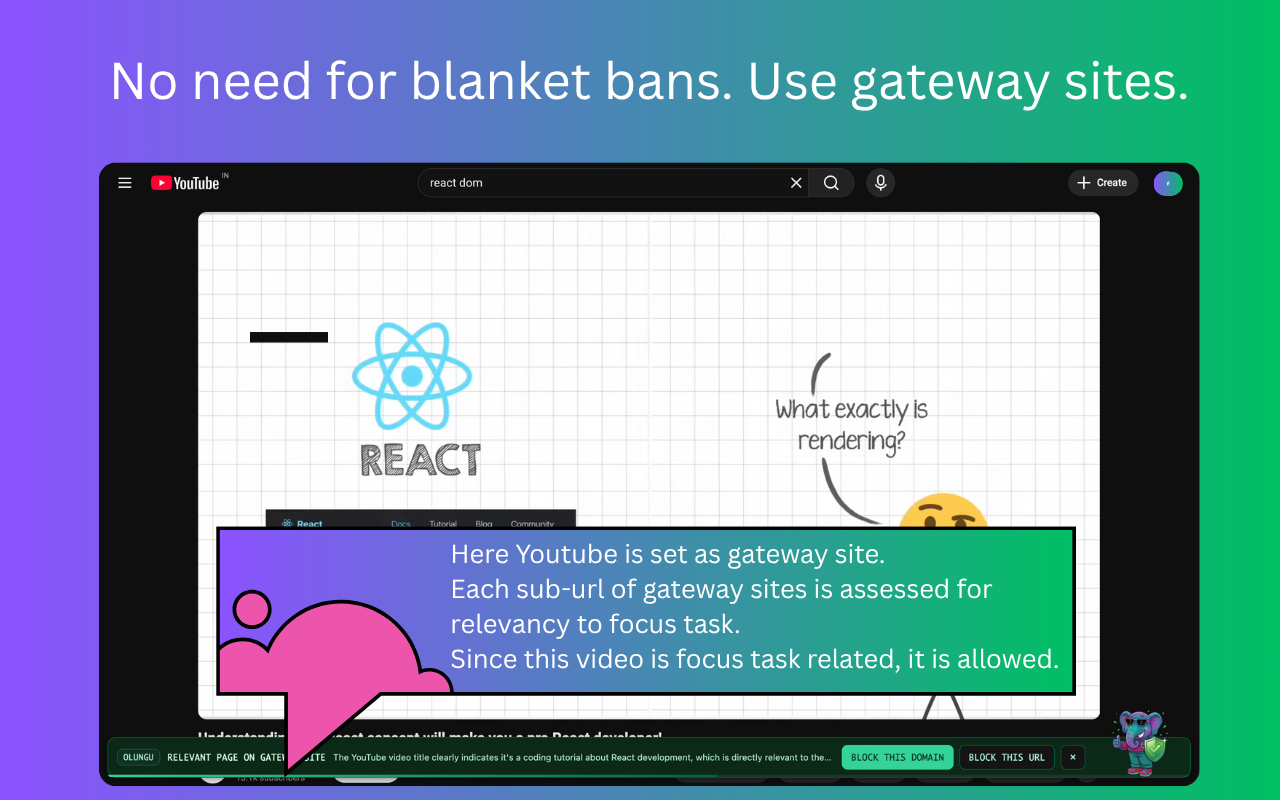
Coding desktop demo (live)
Live affiliate demo integrated.
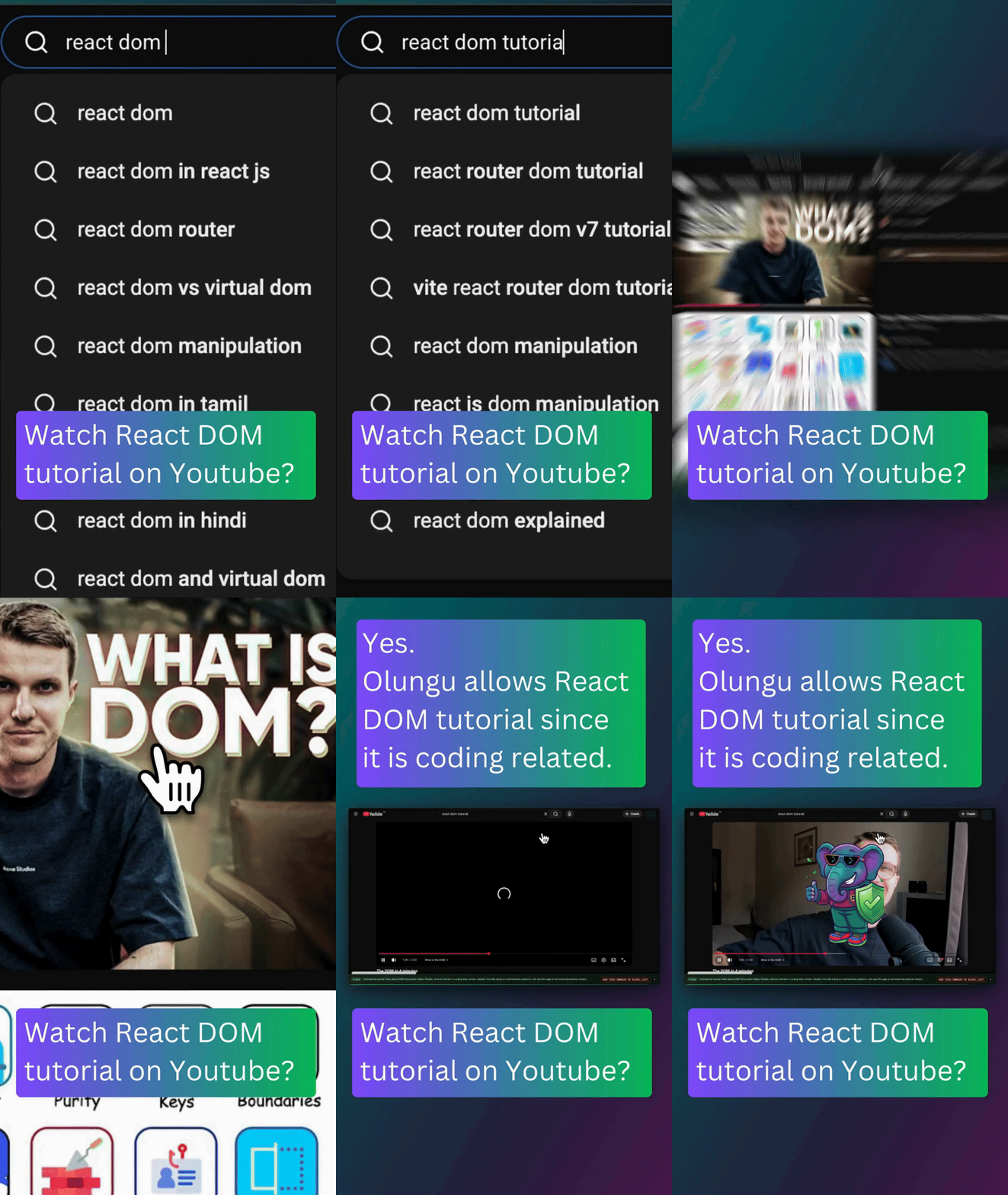
Coding reel GIF + screenshot sequence (live)
Live teaser GIF and screenshot sequence integrated.

Objections and responses
Try task-aware focus in your own workflow
Start with the 14-day trial and see how Olungu fits your day-to-day browsing.