Affiliate resource hub
Links, copy, graphics, and demos for promoting Olungu.
Everything here is for affiliates. Start with your tracking link and disclosure, then choose the assets that fit your post, video, newsletter, or review. The current offer pays 30% on every referred subscription, with commissions withdrawable through Creem once the referred payment clears the refund window.
Before you post
Get the basics right before you publish.
Use your tracked link, add a clear affiliate disclosure, and stick to claims the product supports today.
Use your affiliate link
Put your unique tracking link in every post, description, newsletter, or pinned comment.
Disclose the relationship
Add a clear affiliate disclosure anywhere you may earn a commission from a referred Plus or Pro purchase.
Expect refund-window timing
Commissions hold until the referred payment clears Creem's refund window, then become withdrawable at the $50 minimum.
Lead with free access
Use 'Start Free' or 'Start using Olungu' as the default CTA and avoid detailed pricing claims.
Keep claims practical
Position Olungu as a browser focus tool. Do not make medical or guaranteed-result claims.
No paid ads by default
Organic content is approved. Paid ads, brand bidding, and retargeting need written approval.
Claims
Use clean claims. Skip hype.
Keep promotion accurate. Do not make medical claims, guaranteed-result claims, detailed pricing claims, or run paid ads without approval.
Approved claims
- Context-aware browser focus for browser work.
- Helps block distracting browsing drift while useful pages stay open.
- Uses page context and the user's current task/distraction profile.
- Includes rule controls and a challenge flow for misclassifications.
- Olungu does not sell browsing data.
Restricted claims and channels
- Medical claims, including ADHD diagnosis, treatment, or cure claims.
- Guaranteed outcomes like 'double your productivity'.
- Pricing claims or price comparisons unless Olungu supplies the copy.
- Claims that AI decisions are perfect or never need correction.
- Paid ads, brand bidding, or competitor bidding without written approval.
Asset categories
Pick the format that fits your placement.
Choose the asset your channel needs, then download the matching file or copy.
4 logo files
Brand Logo
Logo files you can use in profile, bio, and content placements.
3 banners
Display Banner
Landscape banners for blogs, newsletters, and website placements.
15 graphics
Social Media Banner
Feed, square, story, and platform-sized poster graphics.
1 screenshot
Product Image
Approved static screenshot of the Olungu landing page for reviews, newsletters, and link posts.
6 videos
Demo Video
Desktop walkthrough videos for long-form reviews and embeds.
6 videos
Short-Form Video
Vertical clips for TikTok, Reels, Shorts, and UGC edits.
4 snippets
Testimonial
Olungu is new, so there are no customer testimonials yet. Use the approved proof notes below.
3 templates
Email Template
Ready-to-use newsletter and email blurbs.
3 snippets
Ready-to-Use Copy
Claim-safe captions and social copy starters.
2 pages
Landing Page
Reference pages for you as an affiliate. In public content, send people through your tracked link instead.
1. Brand logo
Use these logo files when you mention Olungu.
These square logo files work well for profiles, thumbnails, media kits, and content layouts.




2. Display banner
Use landscape banners for websites, blogs, and newsletters.
Choose the message that fits your audience, then place the banner near your affiliate link.
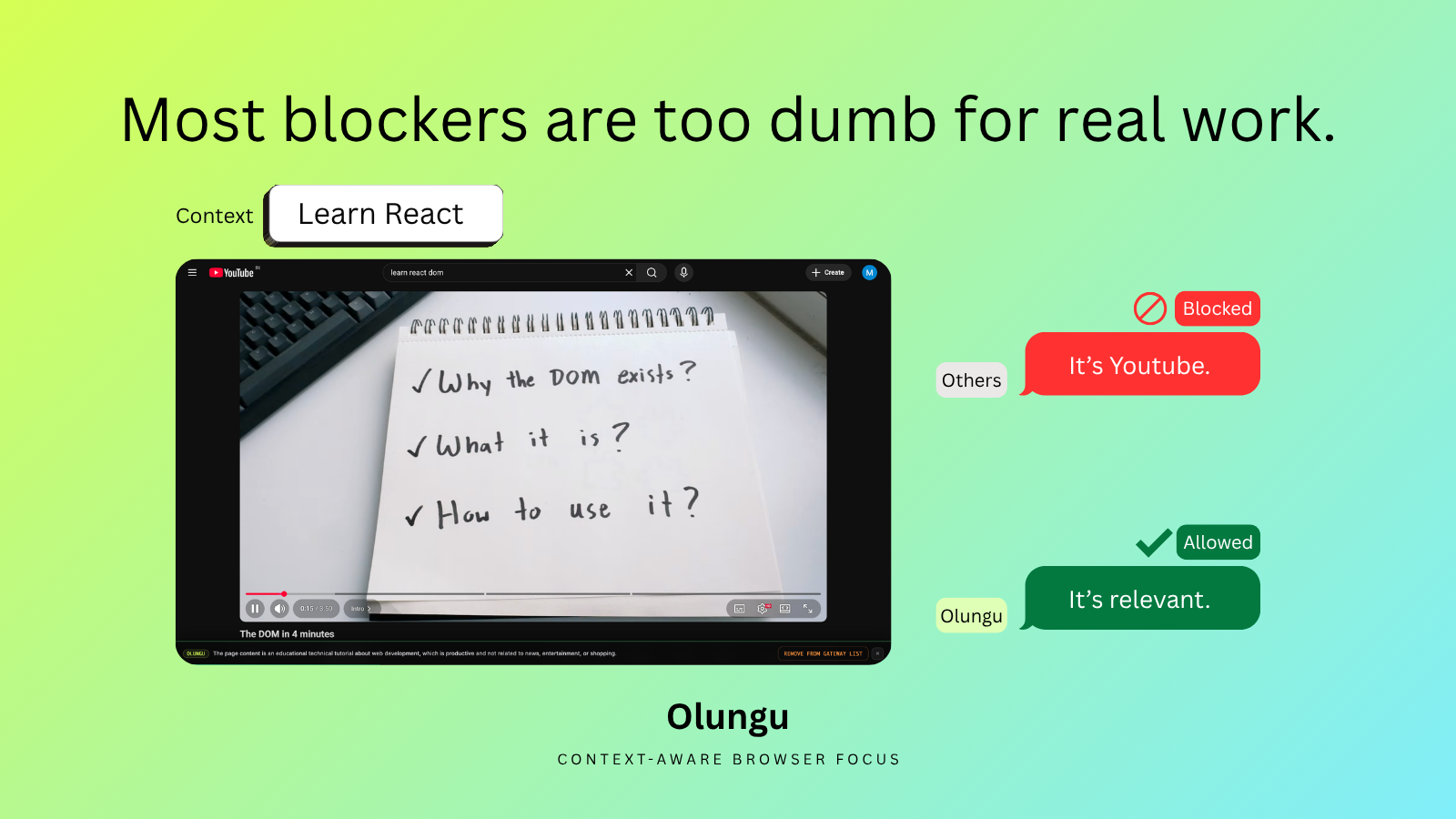
Landscape post
Most blockers are too blunt
1600 x 900; works for X / Twitter, LinkedIn feed, Blog header, Newsletter header.
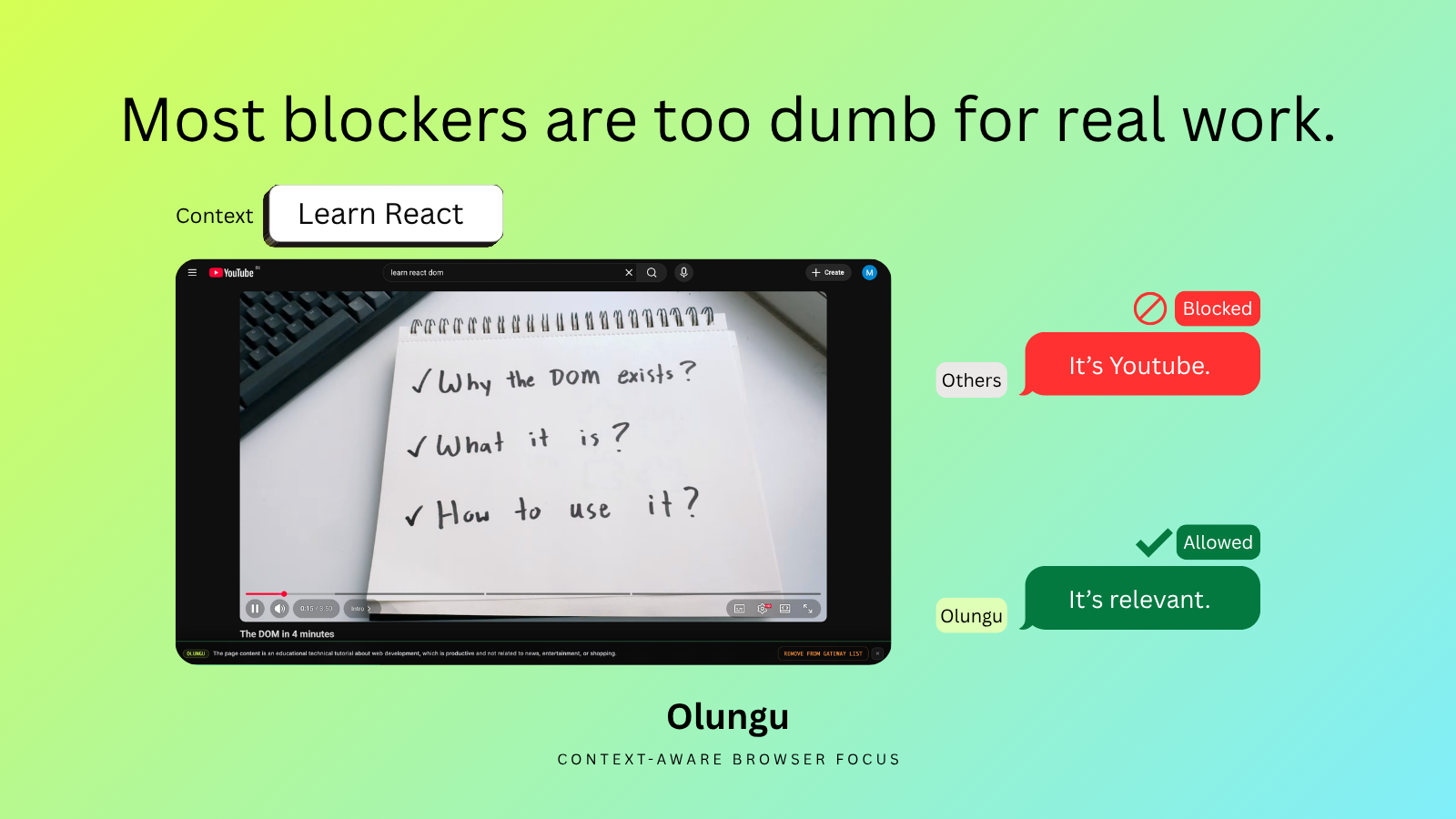
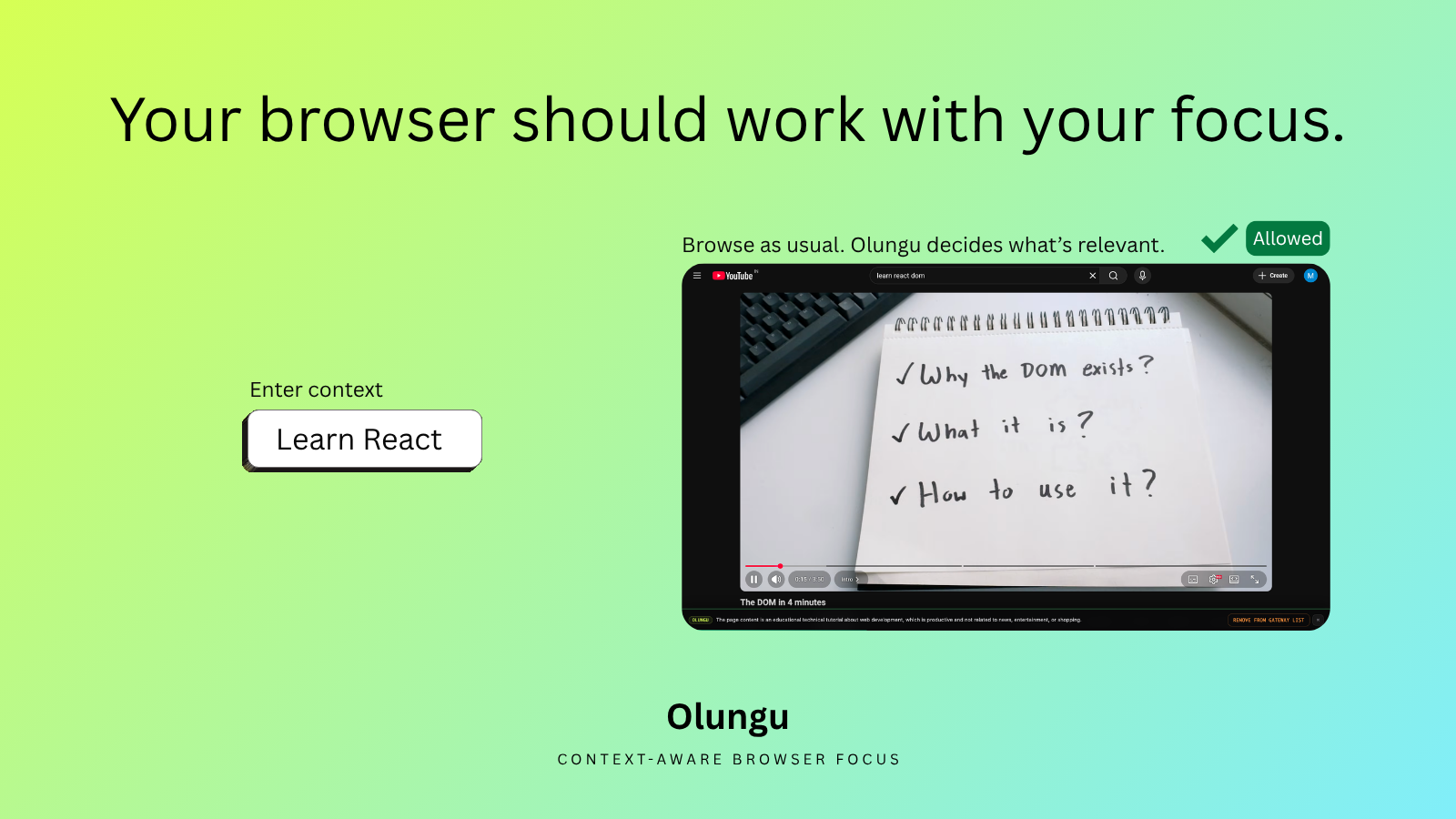
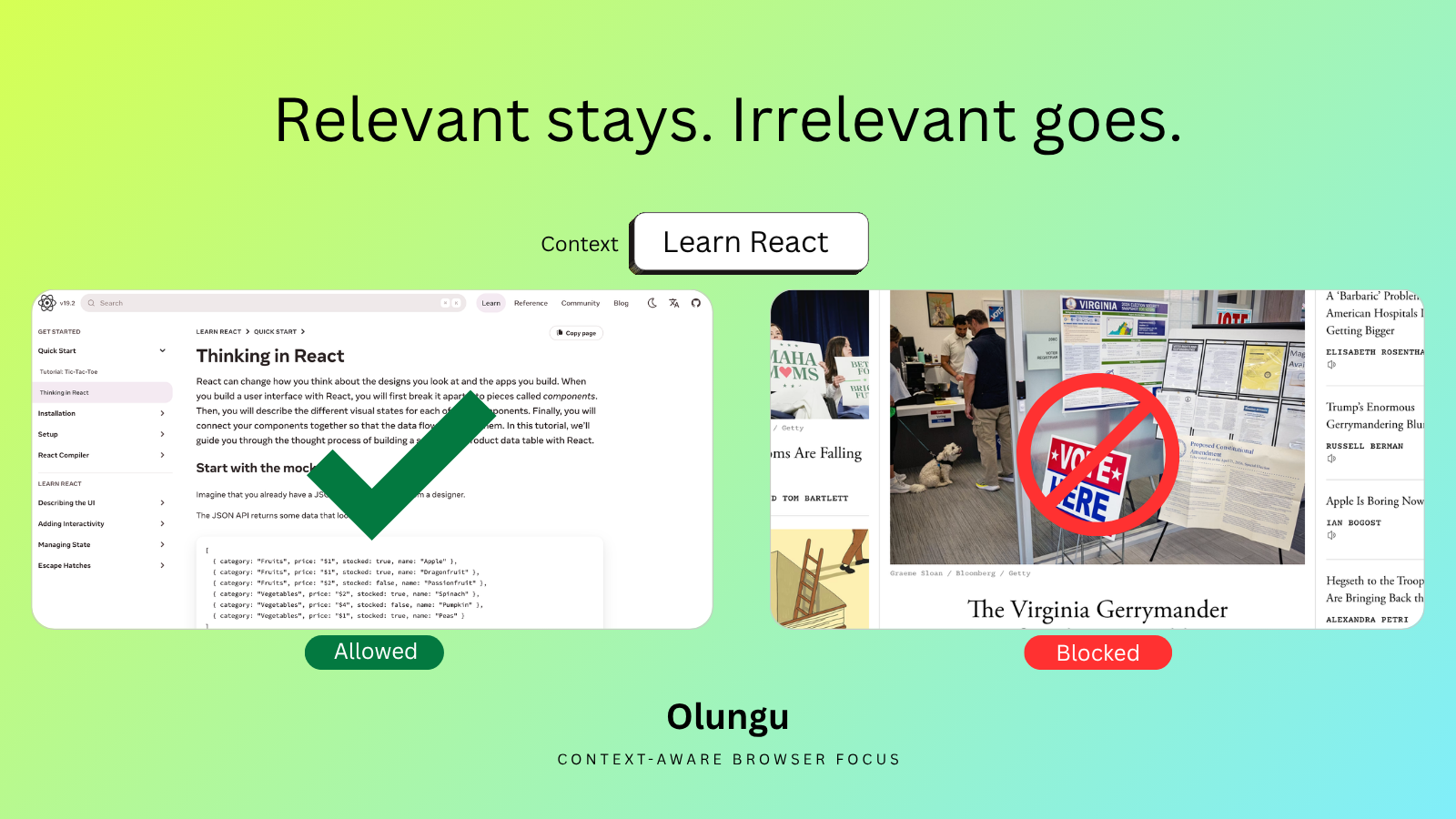
Landscape post
Your browser should work with your focus
1600 x 900; works for X / Twitter, LinkedIn feed, Blog header, Newsletter header.
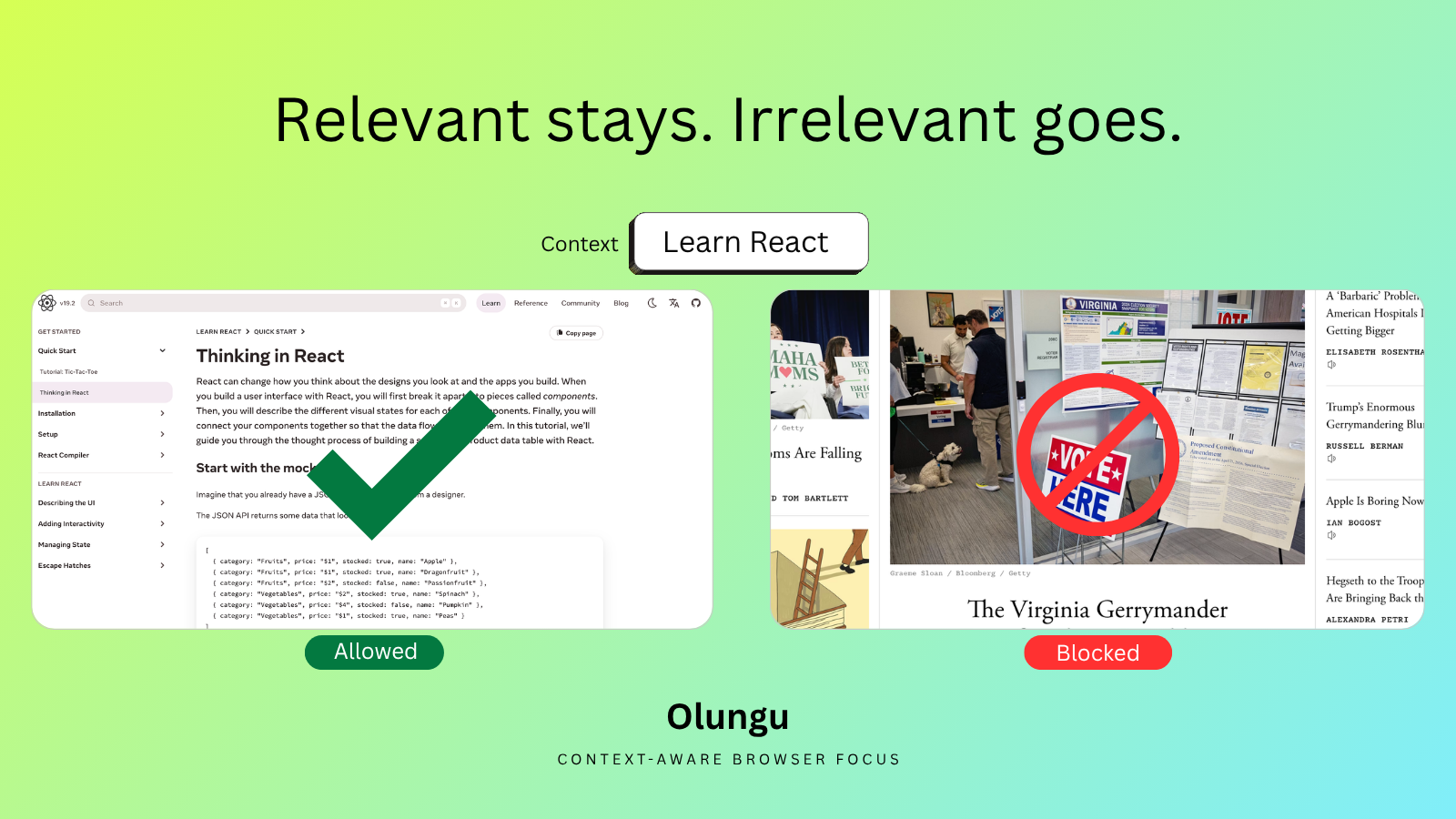
Landscape post
Relevant stays. Distracting goes.
1600 x 900; works for X / Twitter, LinkedIn feed, Blog header, Newsletter header.
3. Social media banner
Pick the platform-sized social banner.
Use portrait, square, and vertical versions for social feeds, stories, reels, and shorts thumbnails.
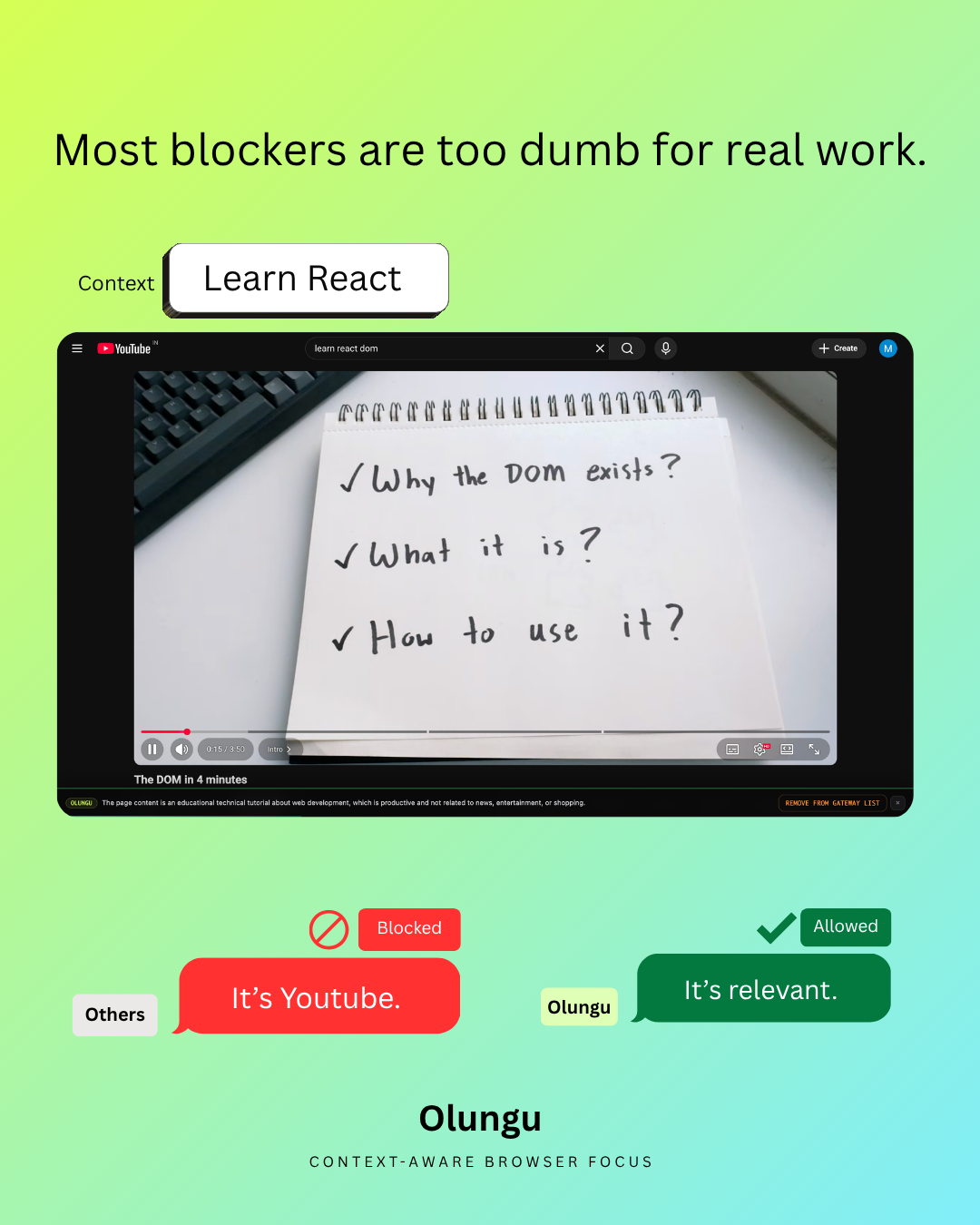
Portrait feed post
Most blockers are too blunt
1080 x 1350; works for Instagram feed, Facebook feed, LinkedIn feed.
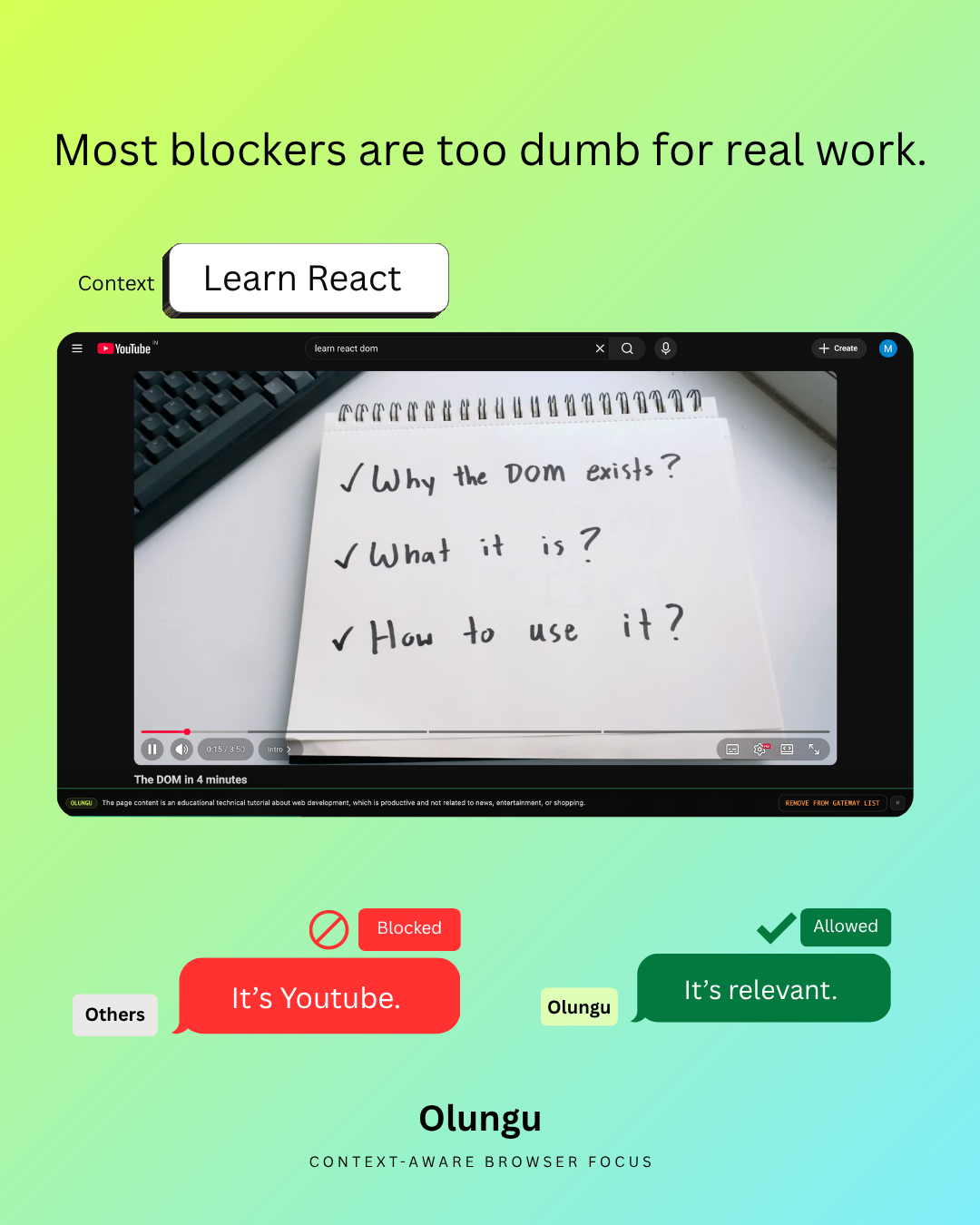
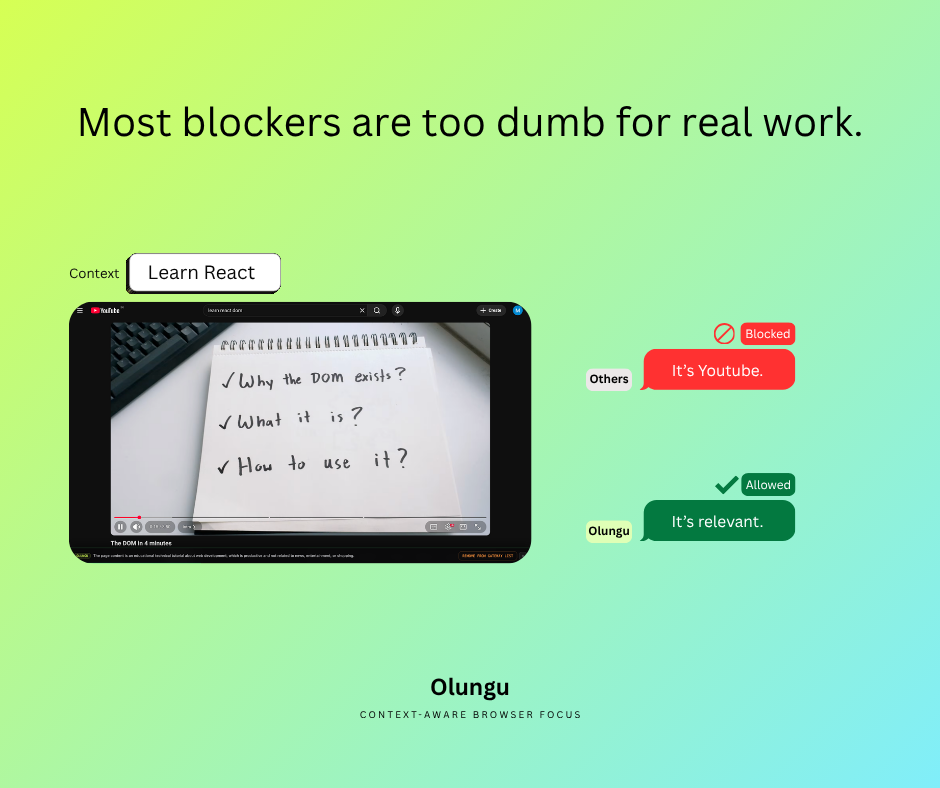
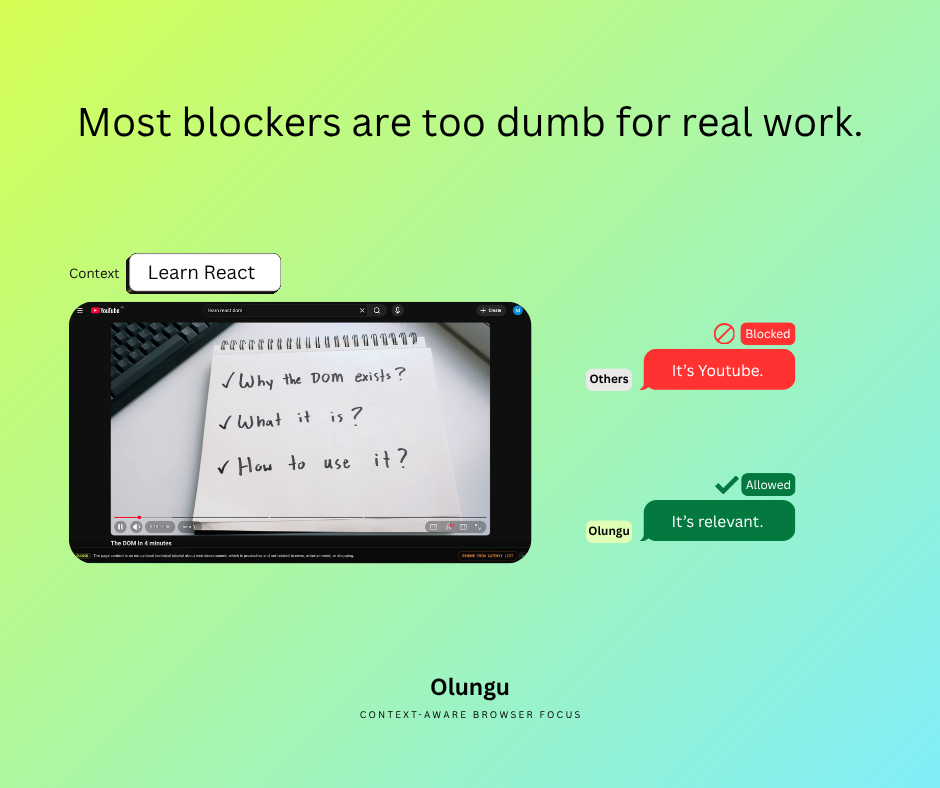
Facebook feed post
Most blockers are too blunt
940 x 788; works for Facebook feed, Newsletter inline image.
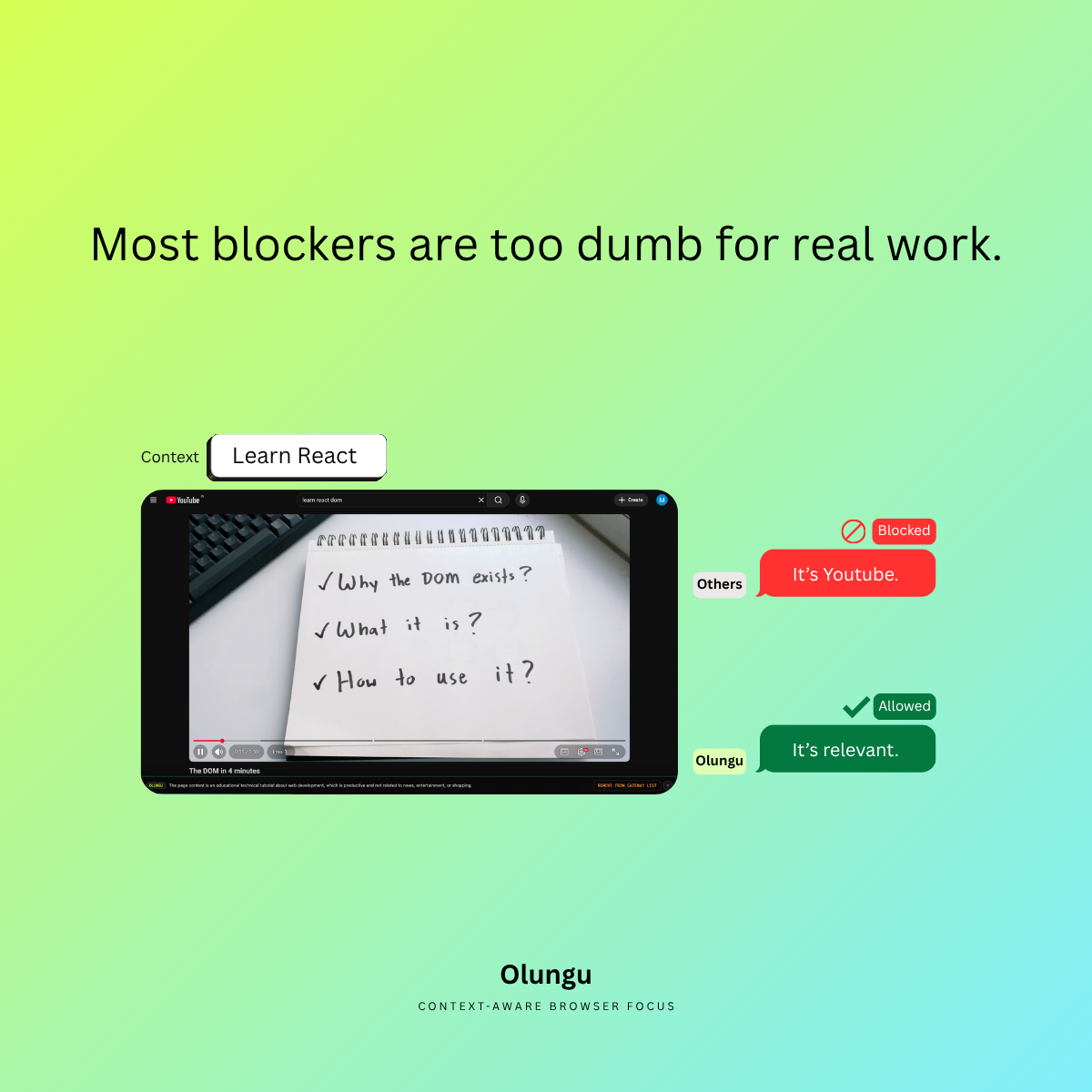
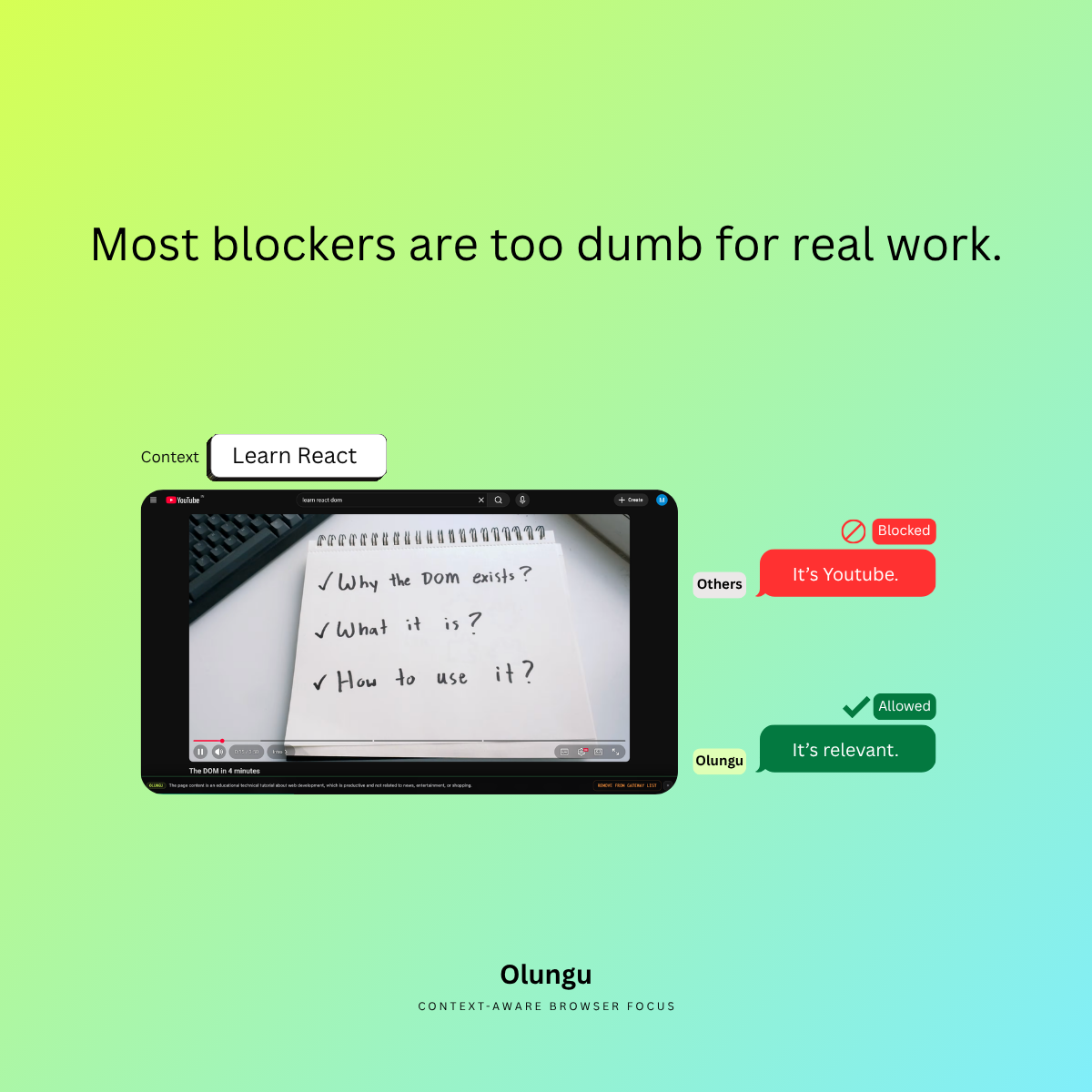
Square post
Most blockers are too blunt
1200 x 1200; works for LinkedIn feed, Instagram feed, Facebook feed.
Landscape post
Most blockers are too blunt
1600 x 900; works for X / Twitter, LinkedIn feed, Blog header, Newsletter header.
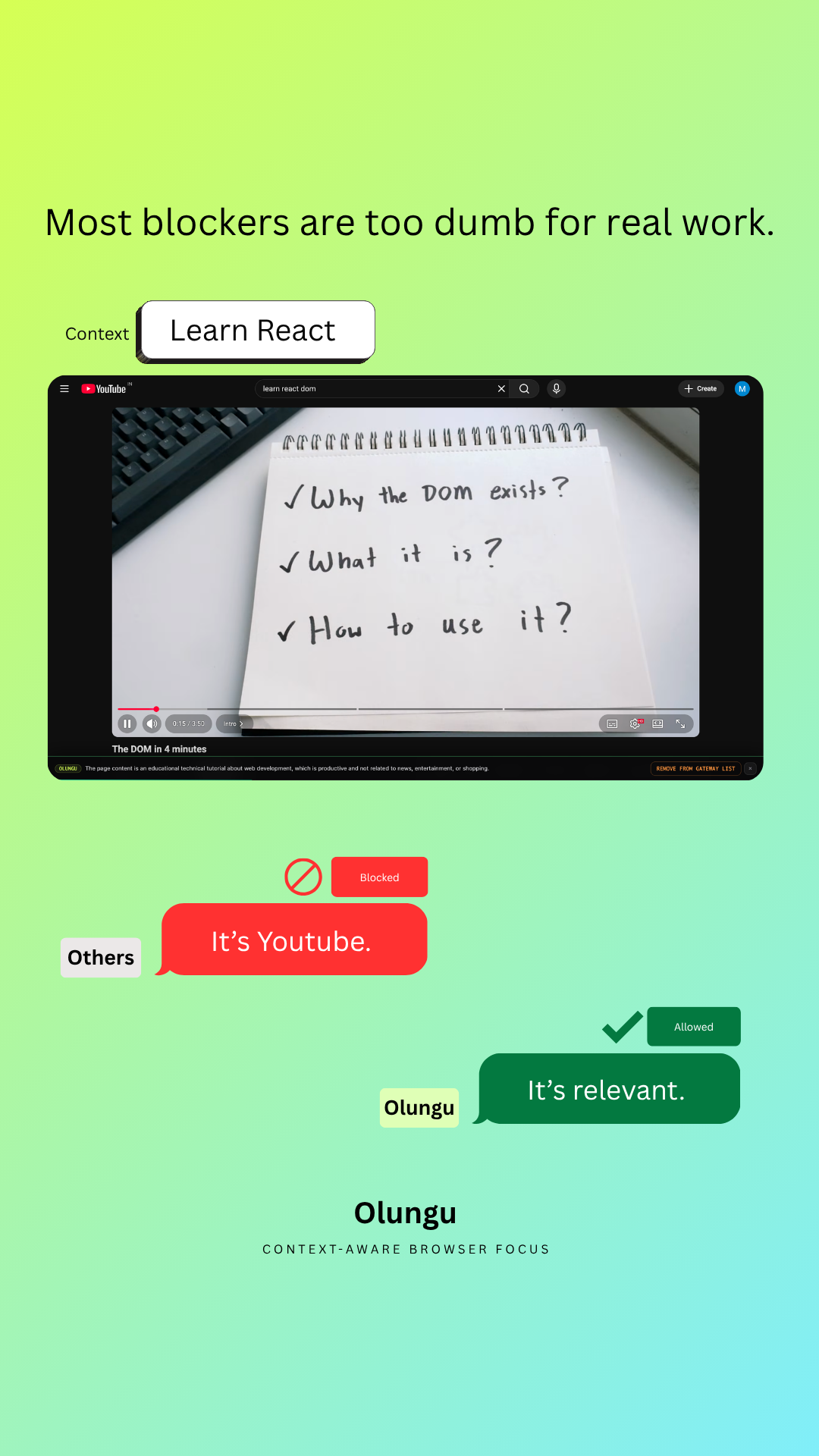
Vertical story or reel
Most blockers are too blunt
1080 x 1920; works for Instagram story, Instagram reel, Facebook story, TikTok, YouTube Shorts.
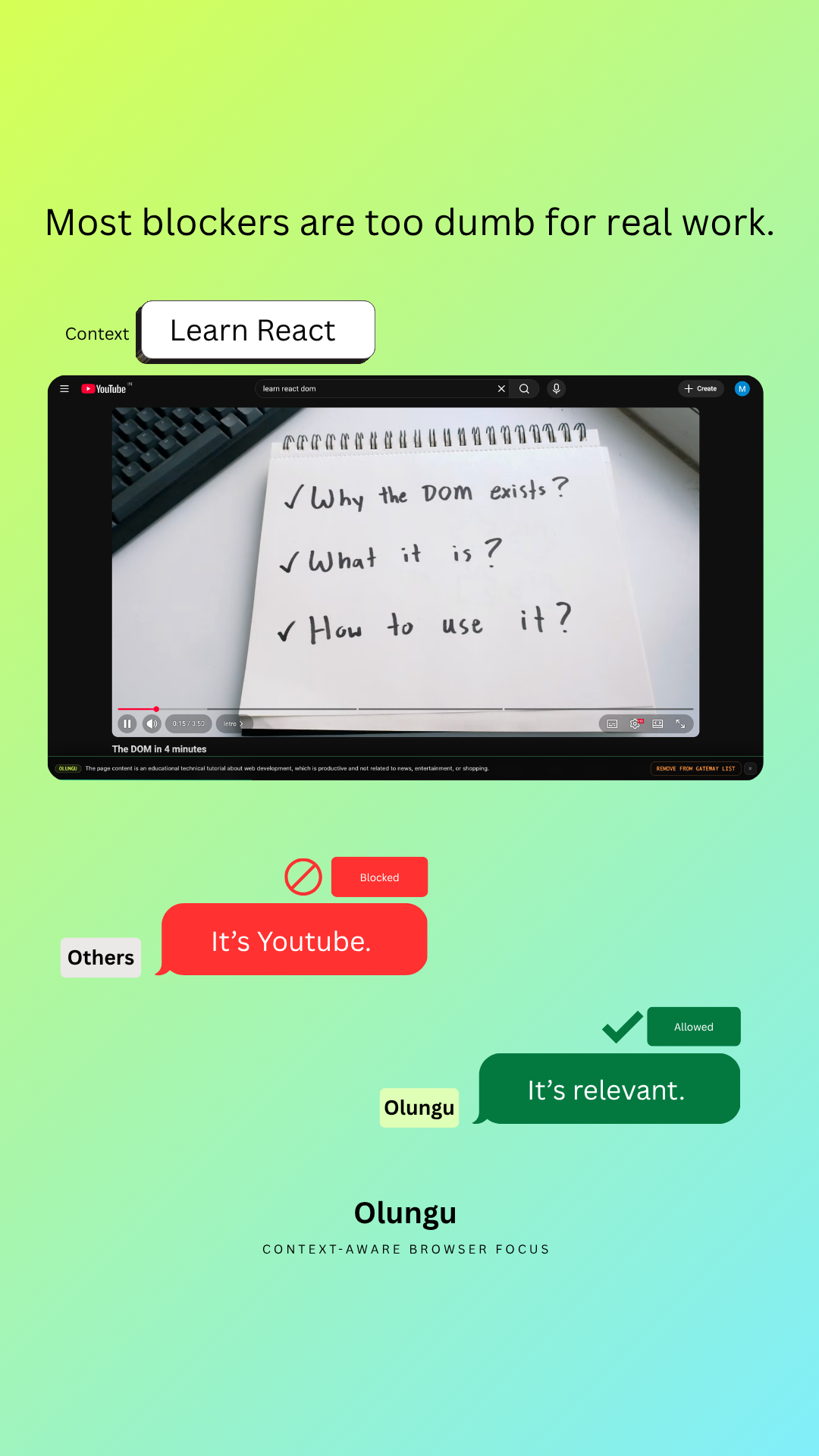
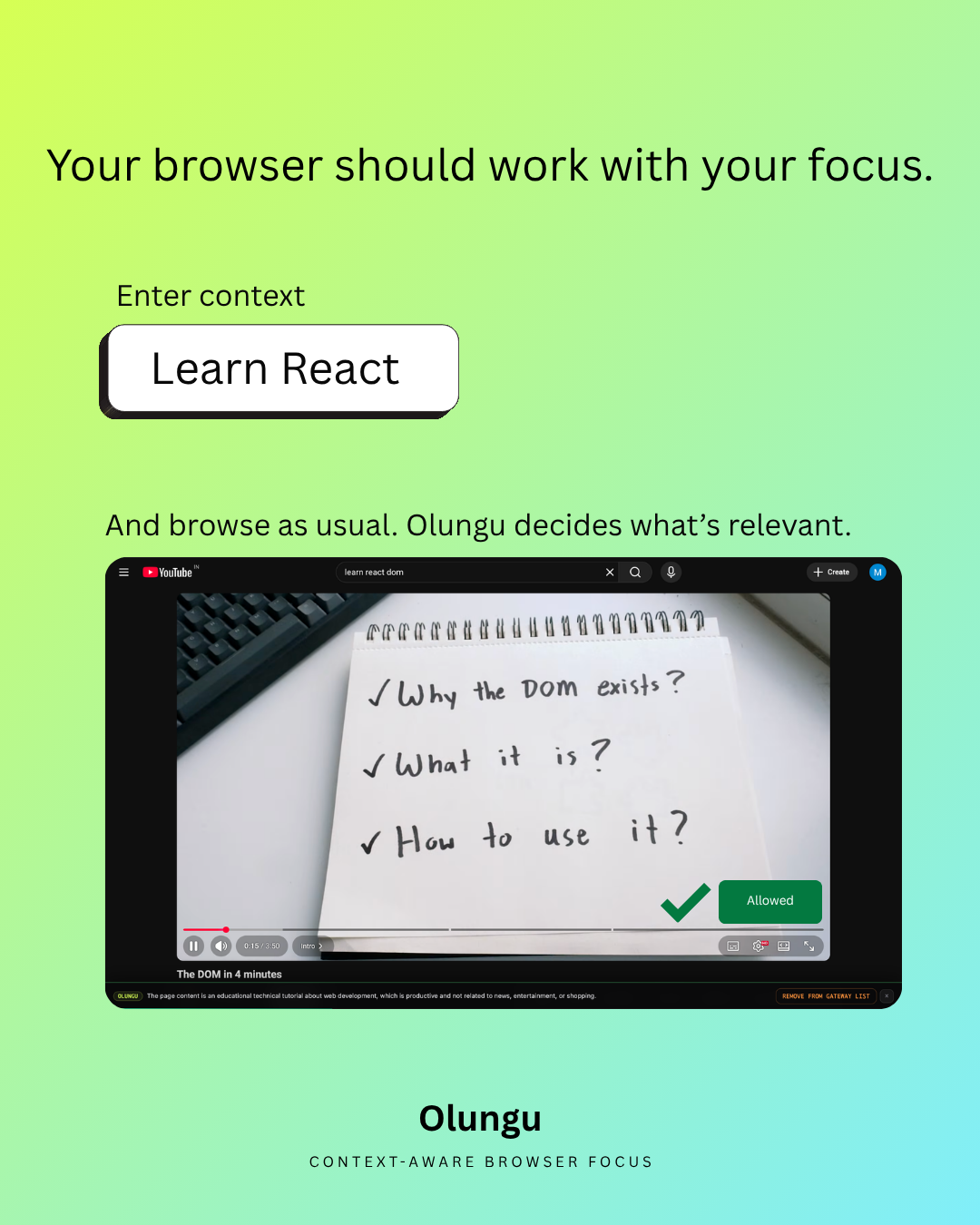
Portrait feed post
Your browser should work with your focus
1080 x 1350; works for Instagram feed, Facebook feed, LinkedIn feed.

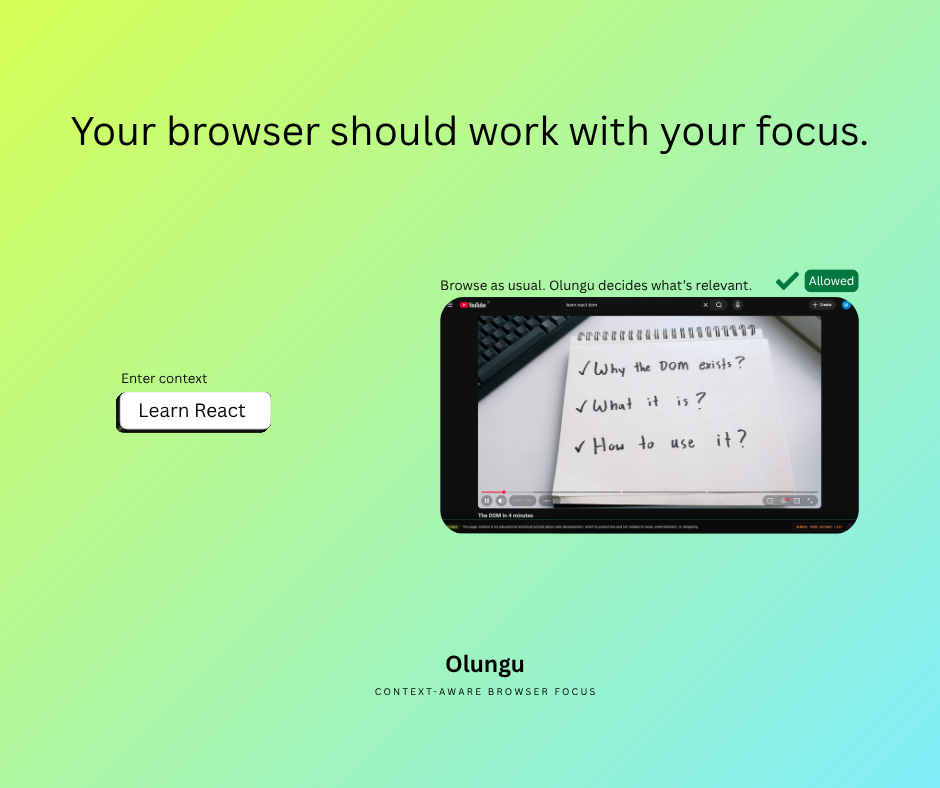
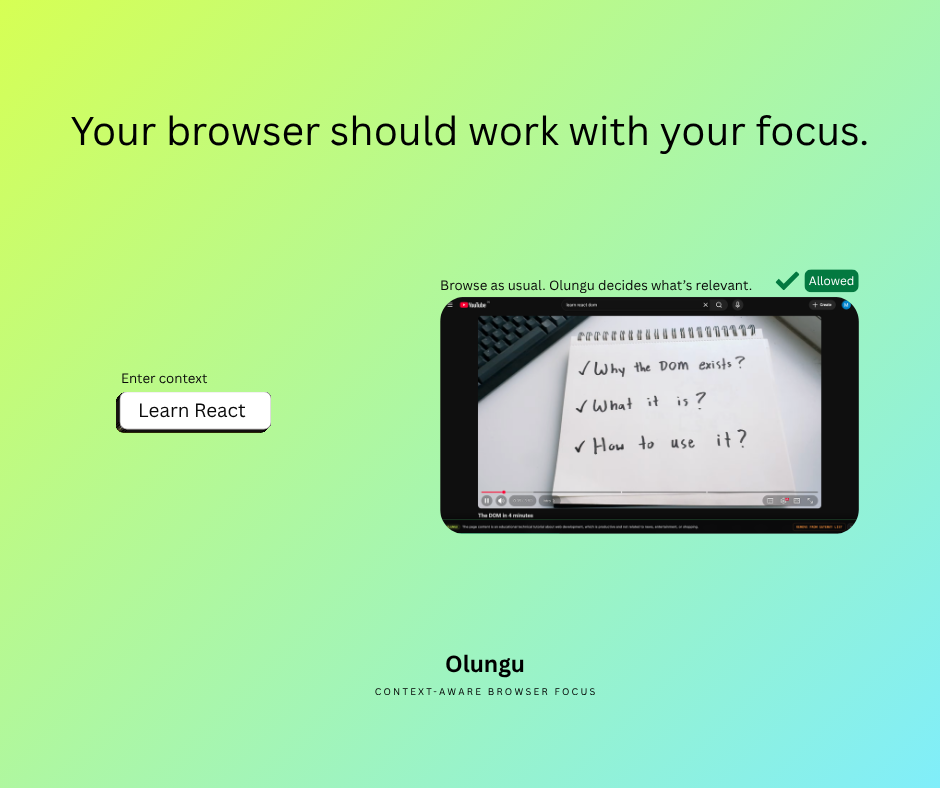
Facebook feed post
Your browser should work with your focus
940 x 788; works for Facebook feed, Newsletter inline image.
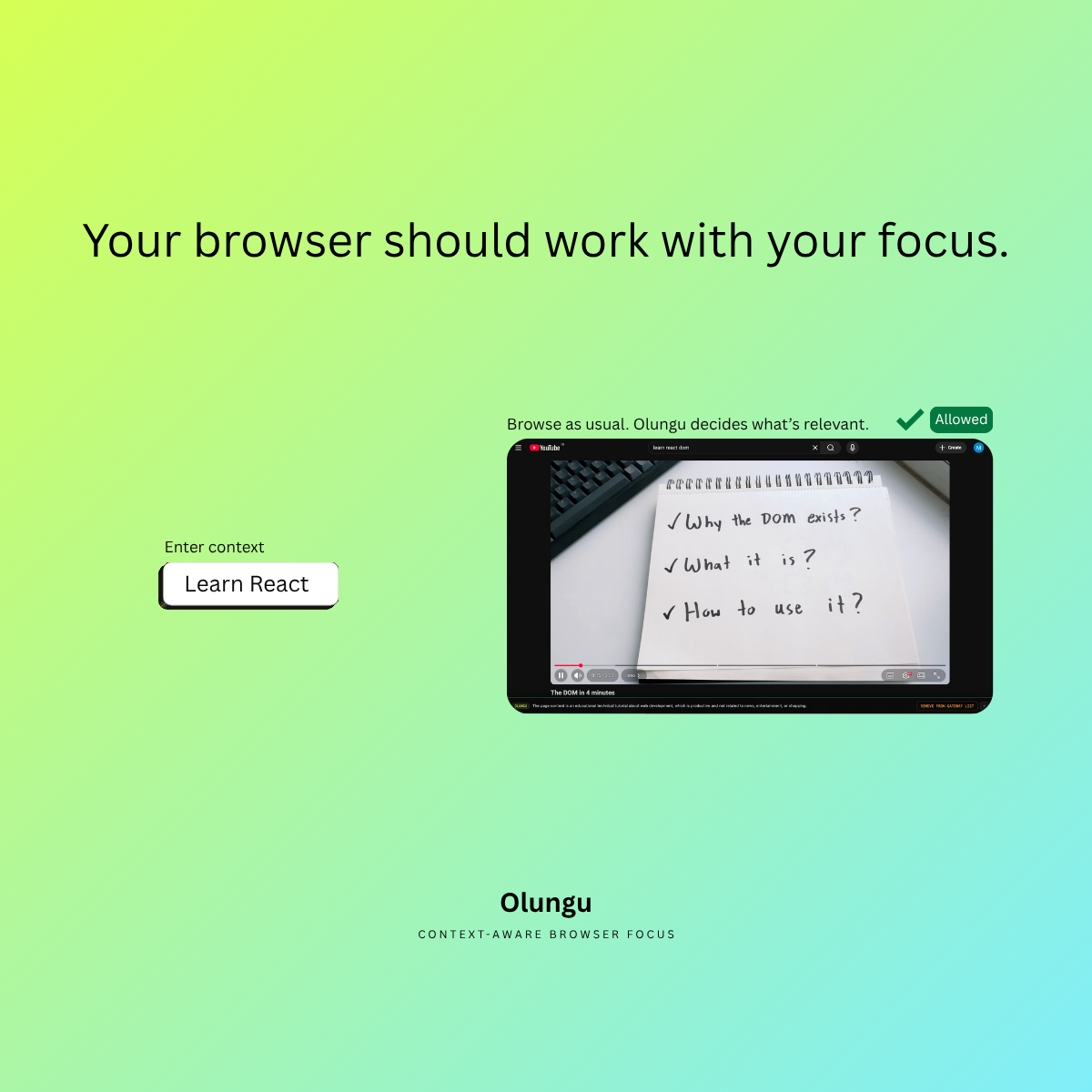
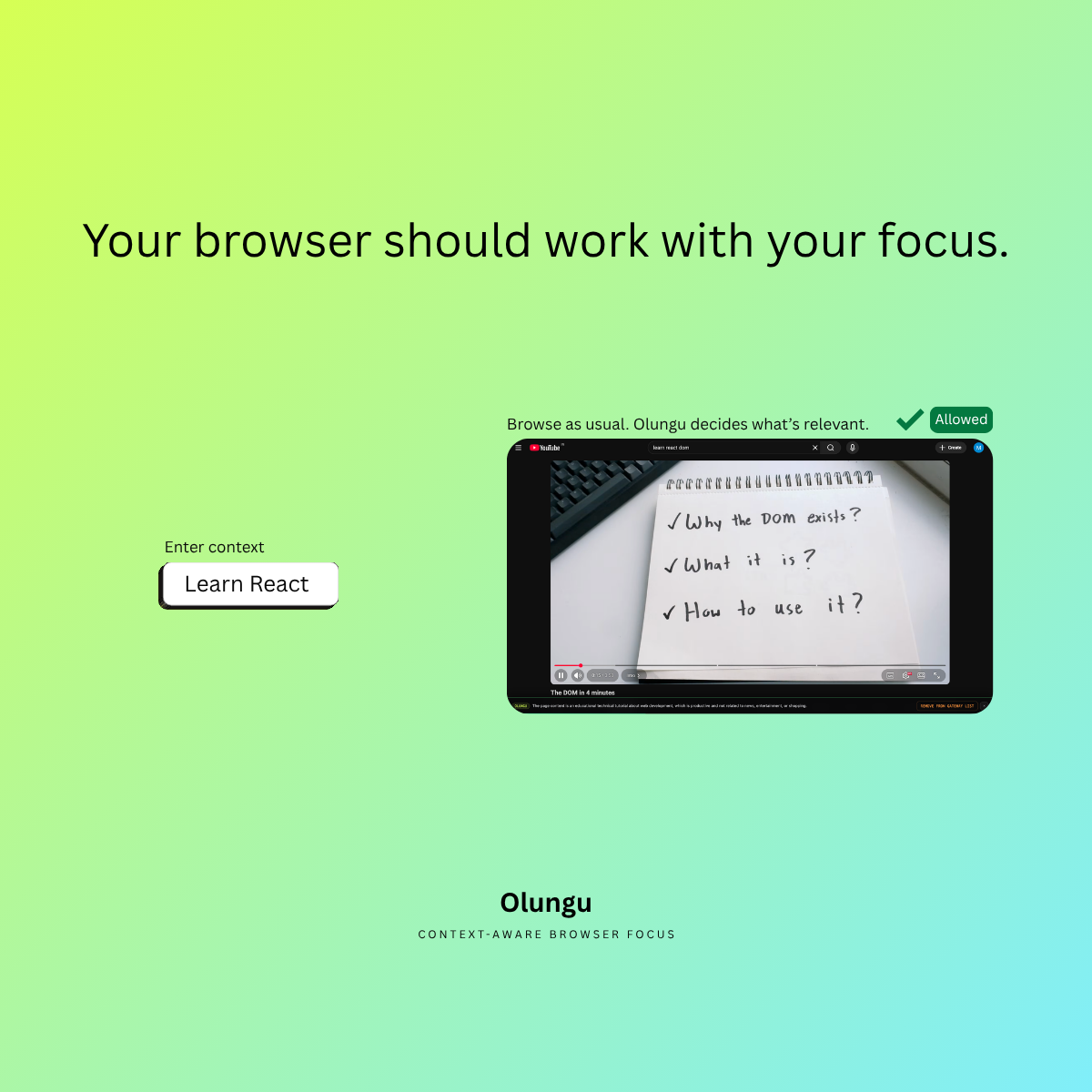
Square post
Your browser should work with your focus
1200 x 1200; works for LinkedIn feed, Instagram feed, Facebook feed.
Landscape post
Your browser should work with your focus
1600 x 900; works for X / Twitter, LinkedIn feed, Blog header, Newsletter header.
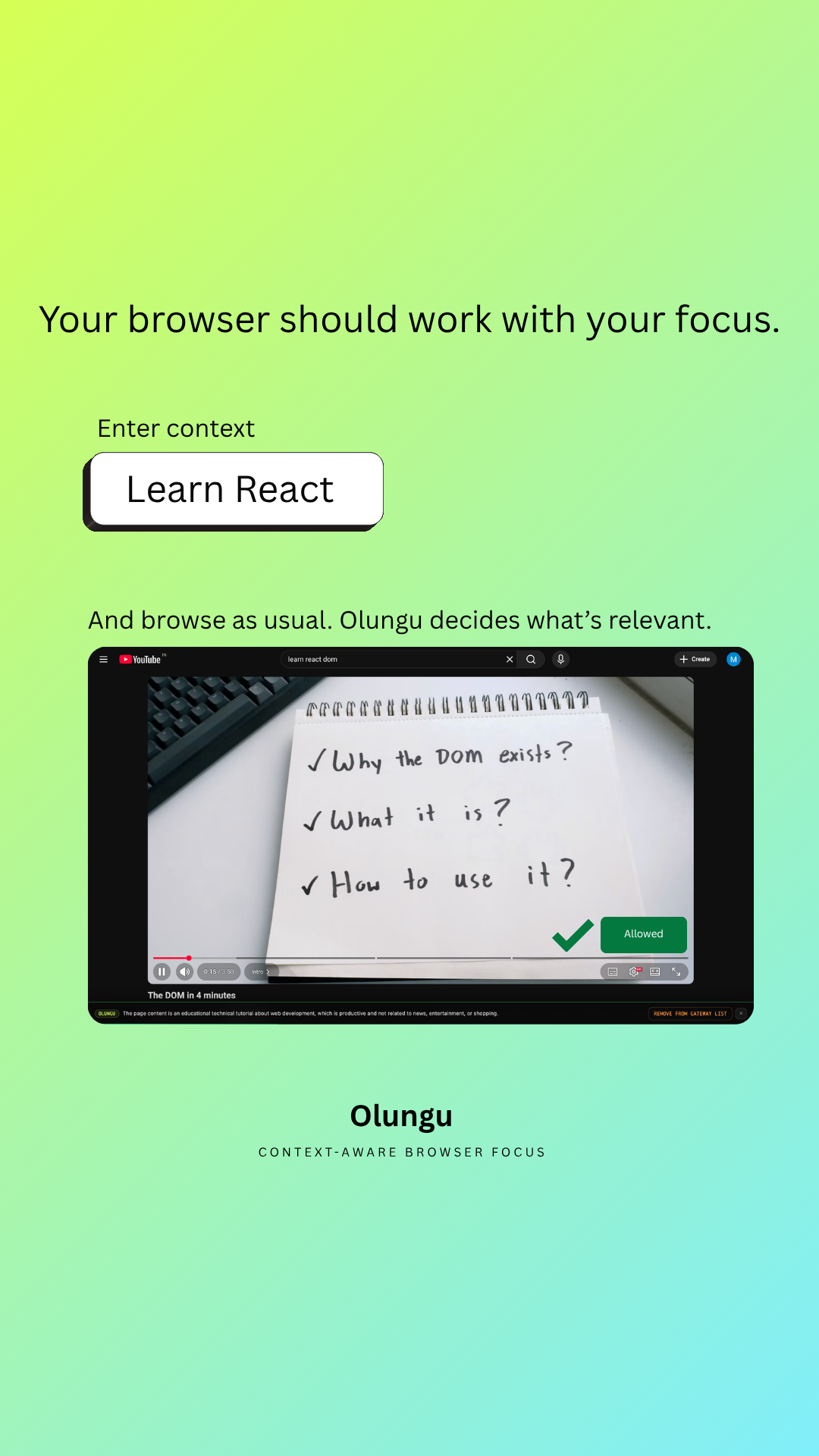
Vertical story or reel
Your browser should work with your focus
1080 x 1920; works for Instagram story, Instagram reel, Facebook story, TikTok, YouTube Shorts.

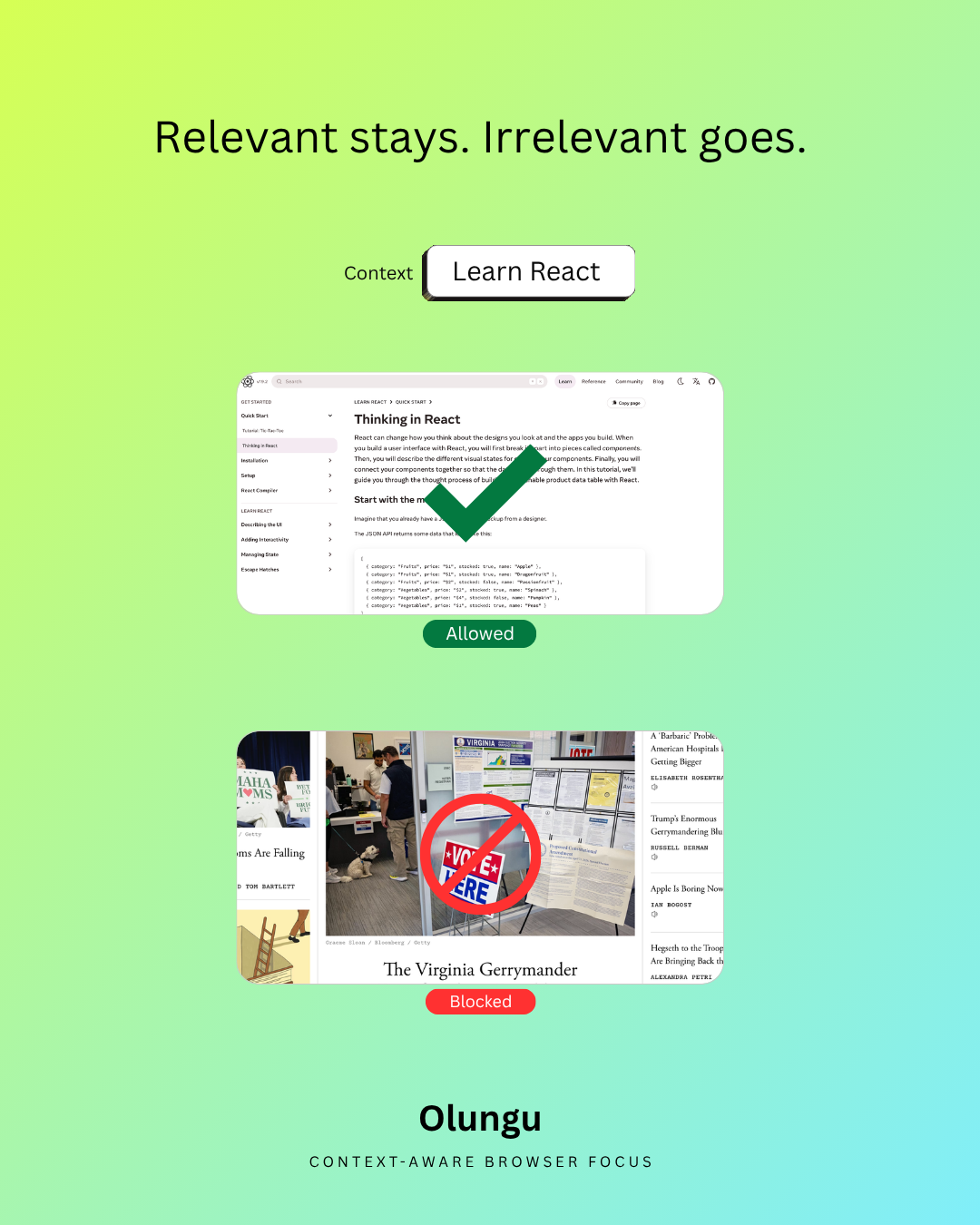
Portrait feed post
Relevant stays. Distracting goes.
1080 x 1350; works for Instagram feed, Facebook feed, LinkedIn feed.
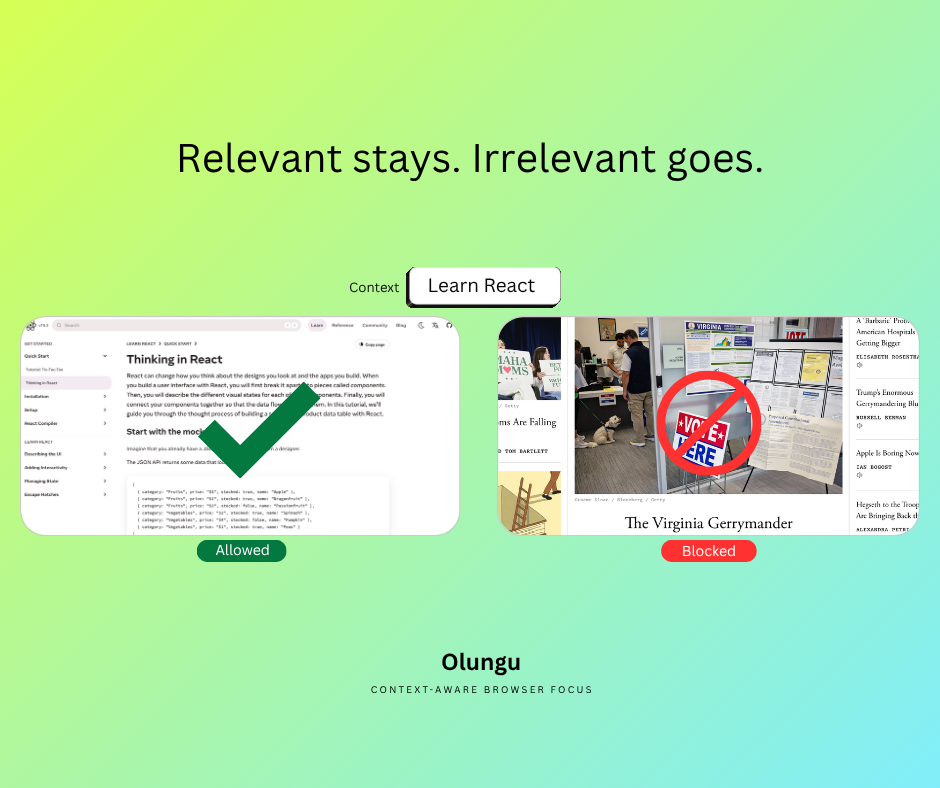
Facebook feed post
Relevant stays. Distracting goes.
940 x 788; works for Facebook feed, Newsletter inline image.
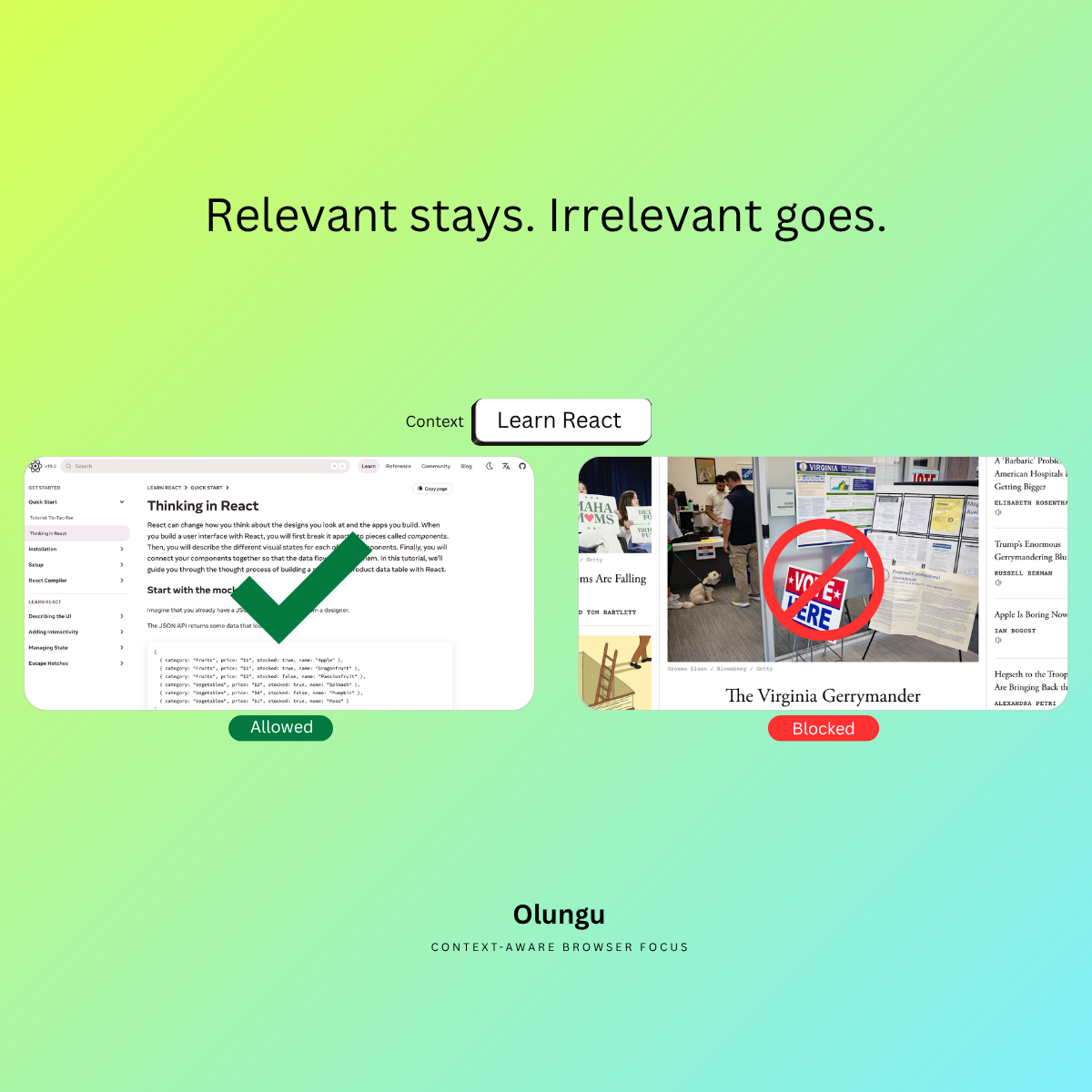
Square post
Relevant stays. Distracting goes.
1200 x 1200; works for LinkedIn feed, Instagram feed, Facebook feed.
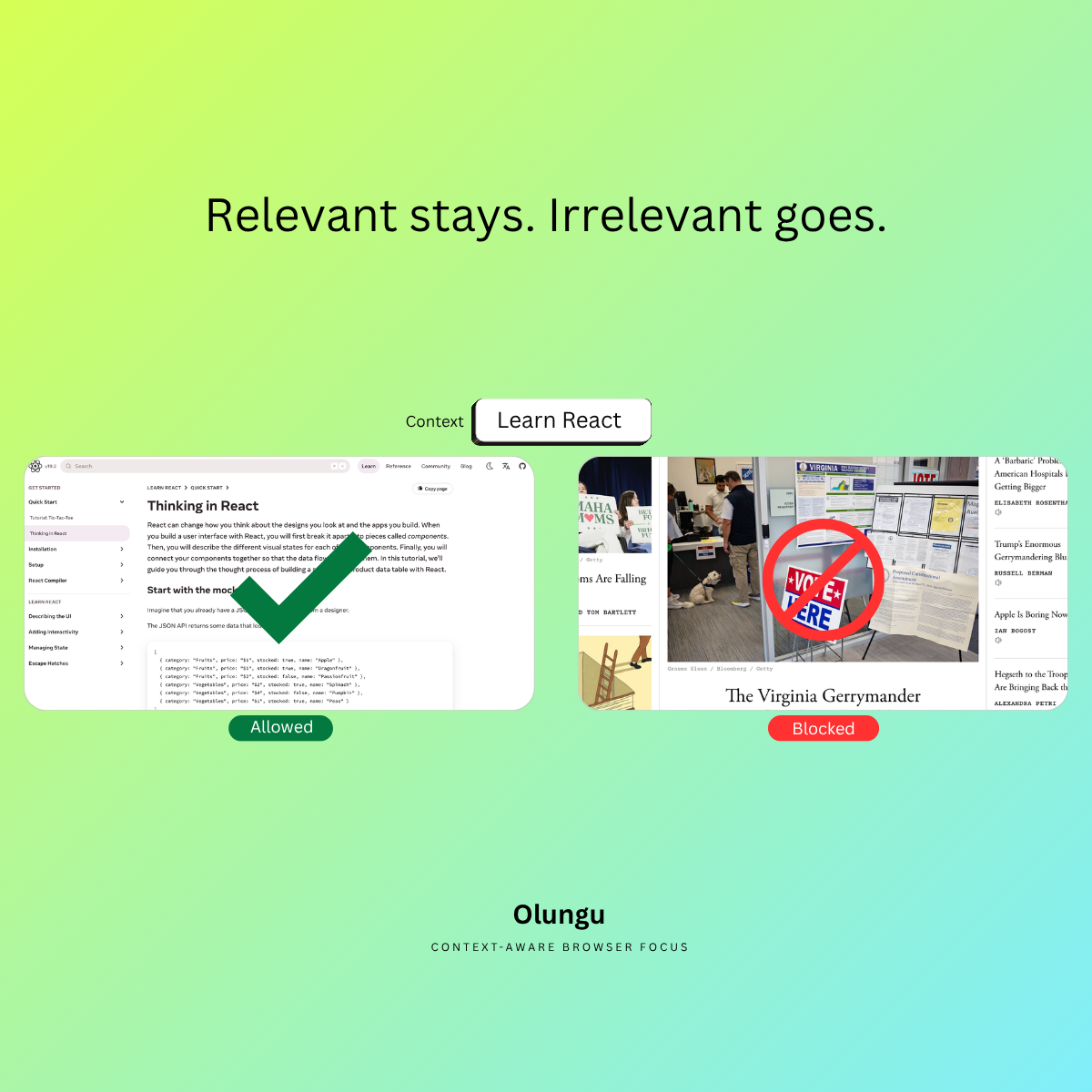
Landscape post
Relevant stays. Distracting goes.
1600 x 900; works for X / Twitter, LinkedIn feed, Blog header, Newsletter header.
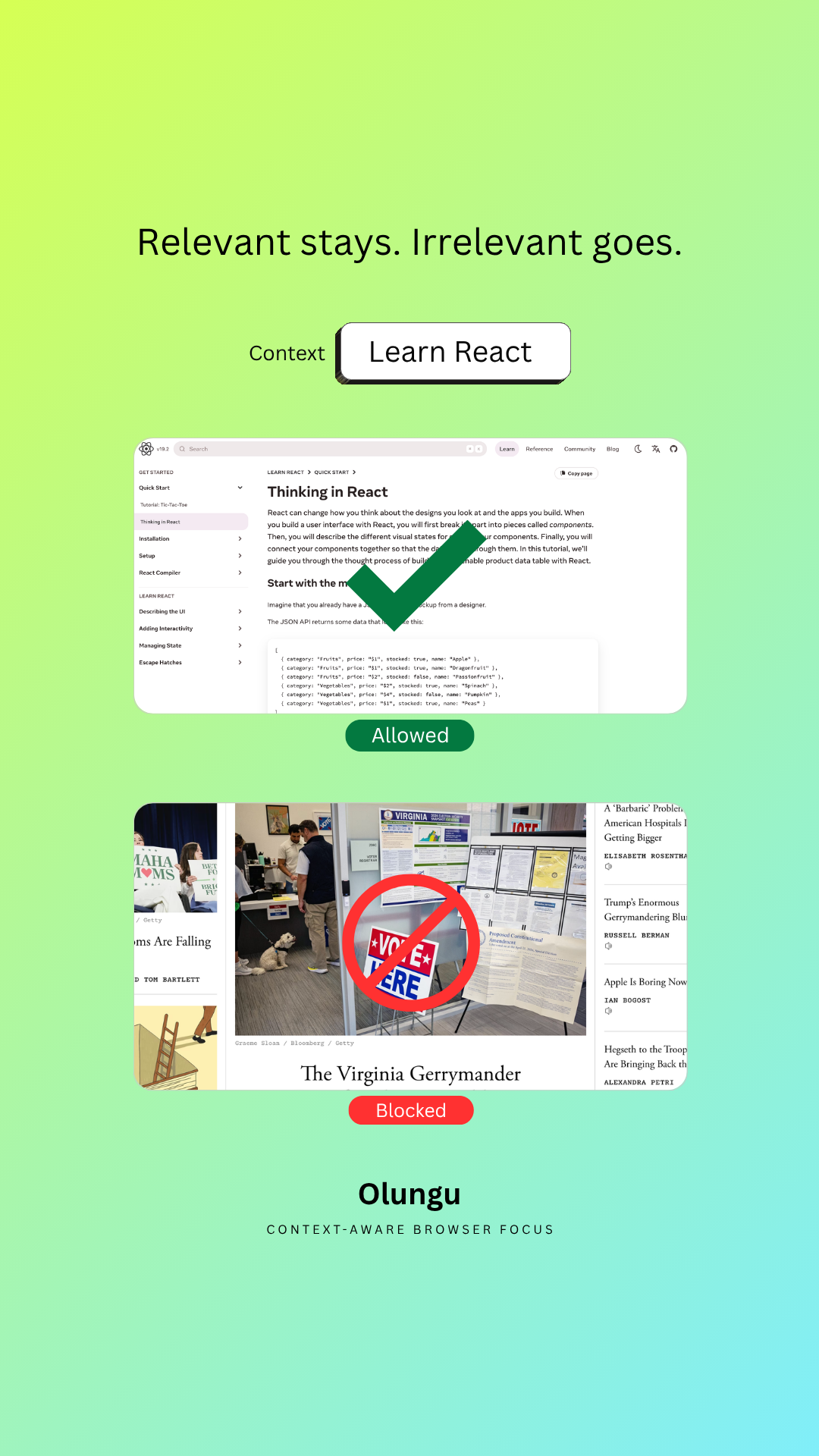
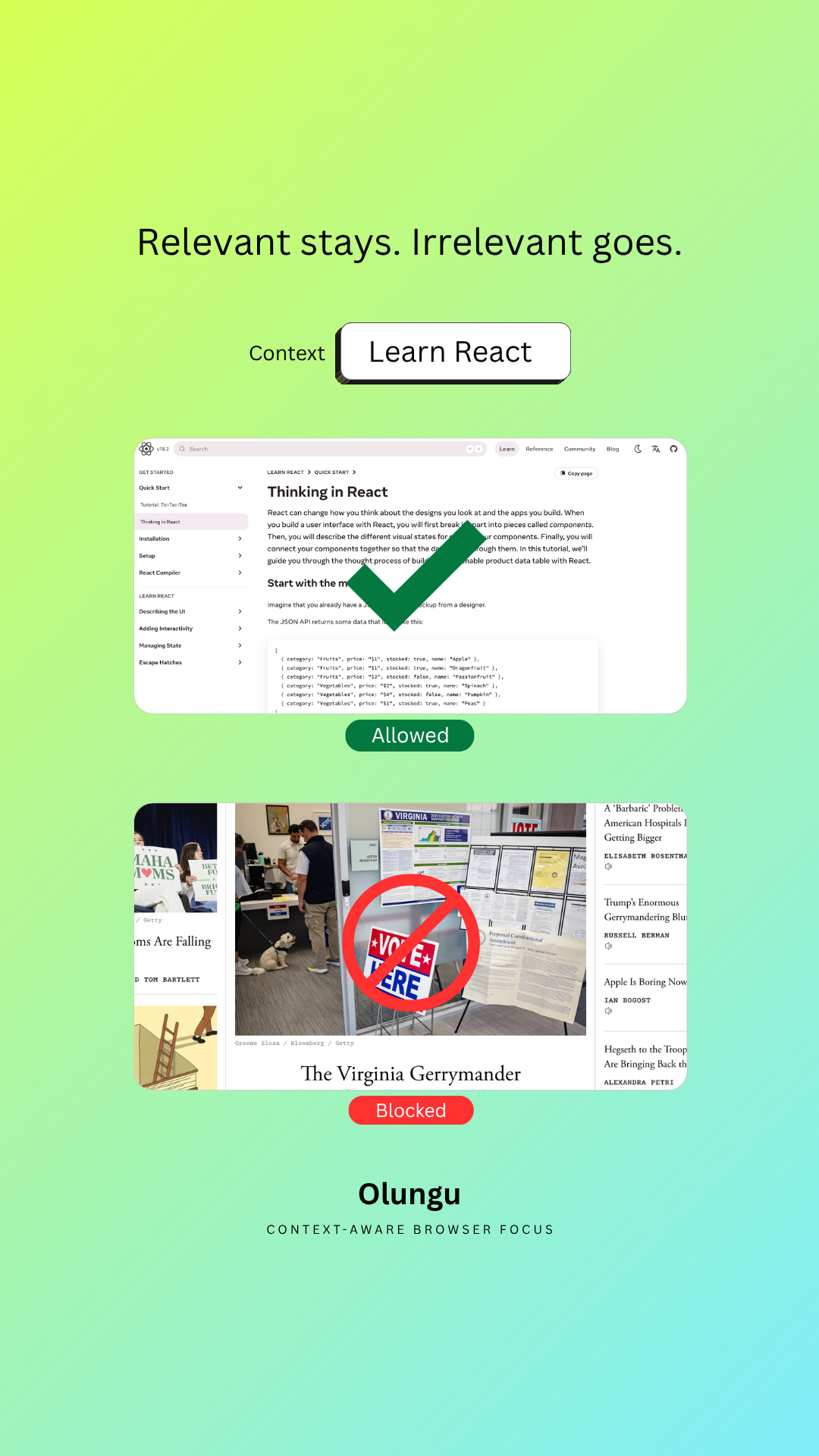
Vertical story or reel
Relevant stays. Distracting goes.
1080 x 1920; works for Instagram story, Instagram reel, Facebook story, TikTok, YouTube Shorts.
4. Product image
Use the approved landing page screenshot for static placements.
This screenshot is the approved still image for newsletters, reviews, and posts. Use the demo videos when you want to show product behavior.

PNG screenshot
Landing page screenshot
Approved front-page screenshot for static placements when you want to show the Olungu site without using a video.

5. Demo video
Pick the workflow, then download the right video format.
Each card is one demo scenario. Use desktop files for long-form placements and mobile files for vertical social posts.
Coding and developer work
Developer workflow: distracting page gets blocked
Use this for coding, developer productivity, and browser focus content. It shows Olungu protecting a coding task from unrelated tab drift.
Desktop · no captions
Landscape clean file for YouTube reviews, newsletter embeds, and blog walkthroughs.
Writing, learning, and study
Writing workflow: useful research stays open
Use this for students, learners, writers, and research-heavy work. It shows useful browser pages staying available during focused work.
Marketing and operator work
Marketing workflow: tab drift gets blocked
Use this for creators, operators, marketers, and browser-heavy work. It shows Olungu filtering distracting detours during a work session.
Mobile · captioned
Vertical file for social posts about focus, creator workflows, and browser distraction.
6. Short-form video
Use vertical mobile files for TikTok, Reels, Shorts, and UGC edits.
Use these mobile clips for short-form posts, then add your own hook, caption, or voiceover.
1080 x 1920 vertical
Coding and developer work · captioned
Vertical file for reels, stories, shorts, and posts watched without sound.
1080 x 1920 vertical
Coding and developer work · no captions
Vertical clean file for custom captions, narration, music, or edits.
1080 x 1920 vertical
Writing, learning, and study · captioned
Vertical file for study, learning, and writing posts watched without sound.
1080 x 1920 vertical
Writing, learning, and study · no captions
Vertical clean file for voiceover, commentary, captions, or platform edits.
1080 x 1920 vertical
Marketing and operator work · captioned
Vertical file for social posts about focus, creator workflows, and browser distraction.
1080 x 1920 vertical
Marketing and operator work · no captions
Vertical clean file for custom hooks, voiceover, captions, or edits.
Full packs
Download a focused pack when you want the full set.
Choose the promo graphics pack or one scenario video pack. Smaller packs are faster to download and easier to share with editors.
7. Testimonial
Olungu is new, so there are no testimonials yet.
Do not invent customer results or customer quotes. Use these approved notes when you want to explain why Olungu exists or how to handle trust cleanly.
Why Olungu exists
Olungu exists because browser work is fragile. Traditional blockers can be too strict or too shallow for real workflows, so Olungu is meant to keep useful work pages available while blocking distracting drift.
No public case studies yet
Olungu is still early. Do not invent testimonials or hard-results claims; use product demos and approved talking points until public case studies are available.
Short origin quote
Quote you can reference in commentary or coverage: "Olungu is for people who need the web for work but want protection from drift."
Trust snippet
Users can tune rules, challenge bad blocks, and mark sensitive sites.
8. Email template
Copy a ready-to-use email or newsletter blurb.
Replace YOUR_AFFILIATE_LINK with your tracked URL before publishing, and keep disclosures broad enough for Plus or Pro commissions.
Context-aware browser focus
Subject: Context-aware browser focus for real work
If your work happens in a browser, blunt blocklists can backfire. Olungu delivers context-aware browser focus and helps block distracting drift while keeping useful work pages accessible. Start free: YOUR_AFFILIATE_LINK
Random tab drift
Subject: For people who lose time to random tabs
A lot of people do not need total lock mode. They need a calmer browser while they work. Olungu helps with that exact problem. Start free: YOUR_AFFILIATE_LINK
Newsletter recommendation
Subject: A practical focus tool for browser-heavy work
Quick recommendation if your work lives in docs, dashboards, AI chats, and research tabs: Olungu helps keep useful pages available while filtering distracting detours. Start free: YOUR_AFFILIATE_LINK Affiliate disclosure: I may earn a commission from qualifying Plus or Pro purchases.
9. Ready-to-use copy
Adapt claim-safe captions.
Use these examples as a starting point, then adjust the voice for your channel while keeping the claim accurate.
Short social caption
Most blockers are blunt. Olungu checks whether a page matches your current task, so useful browser work can stay open while distracting drift gets blocked. Start free: YOUR_AFFILIATE_LINK
Newsletter blurb
If your work happens in the browser, Olungu is worth testing. It delivers Context-aware browser focus that helps reduce distracting tab drift without locking down every useful page.
Video description
Olungu helps block distracting browser drift based on your current task and page context. Start free: YOUR_AFFILIATE_LINK. Affiliate disclosure: I may earn a commission from qualifying Plus or Pro purchases.
10. Where to link
Use your tracking link when you promote Olungu.
Keep the pages below for your own reference. In public posts, newsletters, and video descriptions, send people through your own affiliate link instead.
Program overview
Review the 30% recurring commission offer, Creem payout timing, audience fit, and promotion rules.
Review pageTalking points
Explain Olungu simply.
Use these points for reviews, walkthroughs, newsletters, podcasts, and original posts.
Context-aware browser focus
Olungu checks page context against what the user is trying to do.
Useful pages stay open
The product is designed for browser work where docs, research, and tools still matter.
Human correction
Users can challenge bad blocks and keep control with explicit rules.
Program details
Need the full affiliate brief?
Use the program page to recheck the 30% recurring commission, the 90-day cookie window, Creem payout timing, audience fit, and promotion rules before you publish.